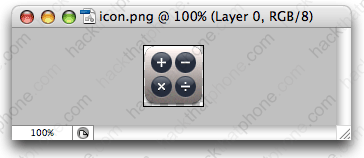
Converting PNGs for usability
intel MacStep 1.
If you try to view stock graphic files in the firmware, you'll see they refuse to display.
Step 2.
Download the FixPng program here. Open the program folder.
Double click the libjpeg-libpng (universal).dmg file. Then double click this package.
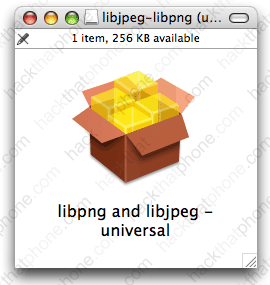
Step 3.
Copy the FixPngDroplet into any other folder on your system, it won't work in the downloaded program folder. I put mine in Applications.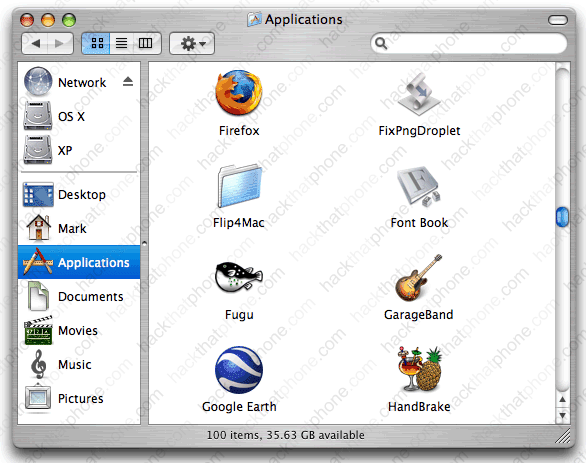
Step 4.
Now drag whatever icon you want to convert, and drop it onto the FixPngDroplet program icon. You will get this pop up window as soon as the file is converted. It will be converted and saved in the same location it was dragged from. Note: sometimes I find I have to put the graphic I want to convert into the same folder as the droplet to get this to work.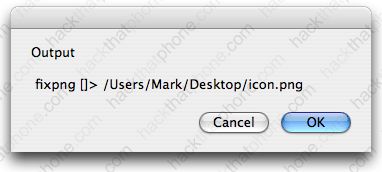
Here it is, converted for normal use.