Installation of critical applications
intel Mac & PPCNote: if you are only interested in using the Installer to add applications to your phone, then you do not need to perform anything in this tutorial. This is only if you want to use SSH to transfer files and do more in-depth reprogramming.
If you are really interested in hacking the iPhone, you are going to need some critical applications installed. In this tutorial we will use the Installer program (the one with the online repository) to install BSD Subsystem, OpenSSH, and the BossPrefs application which is used to turn OpenSSH on and off whenever you want. The iPhone's root account does have a password, but since everyone knows it is alpine, you might want to consider changing it, or at least shut off SSH when you aren't hacking your iPhone, so you won't have anything to worry about. You should also know that running SSH drains the battery as it has an active listener that waits for login requests from SSH clients.
We will also install Fugu on your Mac. This program is an SSH client that will be used to talk to the iPhone, much like an FTP program.
Step 1.
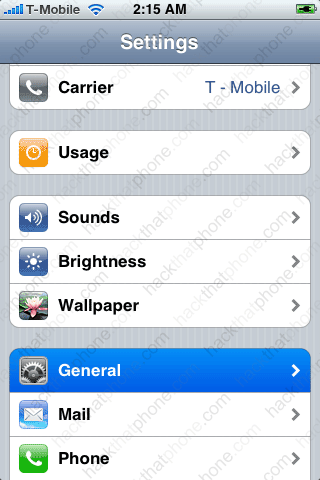
Press Settings, then General.
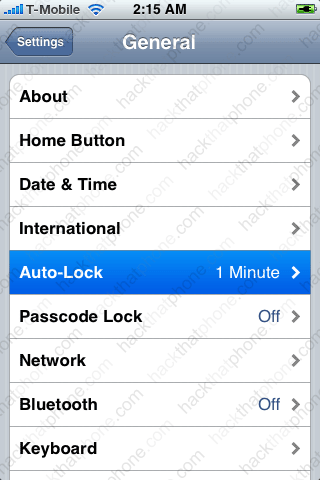
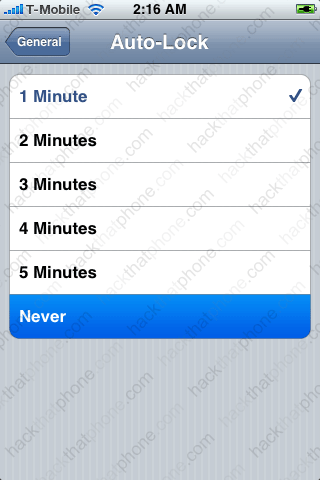
Press Auto-Lock, then select Never. You don't want the iPhone to sleep while downloading some of the bigger programs like BSD Subsystem. Whenever you SSH into the iPhone you don't want the phone sleeping either. Don't forget to set this back to 1 minute or you will run your battery down really quick.
Go back to the SpringBoard and launch the Installer. It might take a minute until it finishes refreshing sources. You may want to install a program called InstaFresh (in the Utilities folder). It allows you to turn off refreshing and only perform this task when you want to. Press the Install button at the bottom and scroll down to the System folder and press it. Press BSD Subsystem on the next screen.


Now press Install. Press install again.


Back at this list of folders, scroll to System and press it. Scroll down to OpenSSH and install it. Then scroll to Utilities and press it.
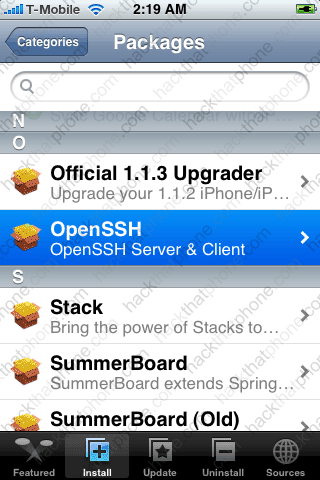
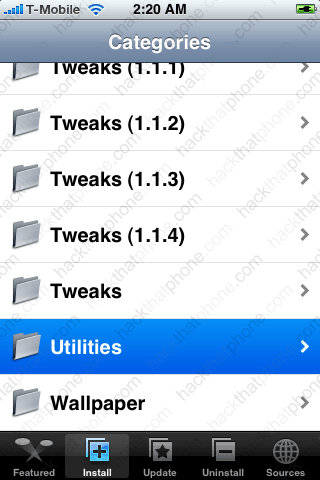
Now install BossPrefs. Press the Home button to refresh the SpringBoard and you'll see the BossPrefs icon on it. Press it.

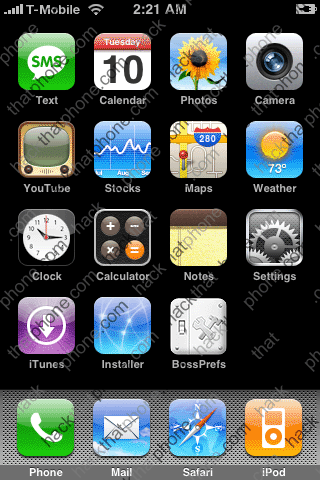
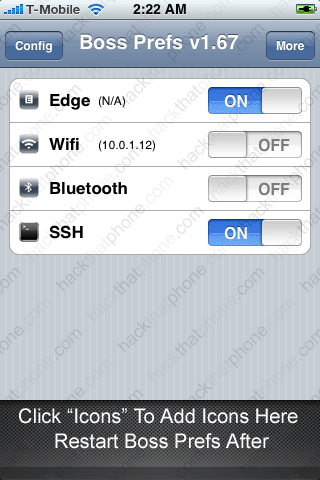
Note the slider switch for OpenSSH. Also note that BossPrefs will tell you what your iPhone's IP address is (it appears next to Wifi). You will need this address in a moment to use Fugu so you can connect to it from your Mac.
Once you have installed an SSH server on the iPhone, you need a good way to communicate with that server. The Terminal, while useful, is limiting. Perhaps Homer Simpson said it best, years ago: Fugu me! I'll show you how to install Fugu, which is going to make hacking the iPhone a lot easier. Fugu is a graphical frontend to Mac OS X's command-line Secure File Transfer application (SFTP). SFTP is similar to FTP, but unlike FTP, the entire session is encrypted, meaning no passwords are sent in cleartext form, and is thus much less vulnerable to third-party interception.
Step 2.
Download Fugu here. Note: many FTP programs can be used to make this connection as well. I know Transmit is a popular application used to connect to the iPhone.
Launch Fugu. In the "Connect to:" field enter your iPhone's IP. In the "Username:" field enter "root". In the "Port:" field enter "22". In the "Directory:" field enter "/". Click "Connect".

You should see this status bar for a while as Fugu connects to your iPhone. This could take up to 60 seconds to complete.

You will get this pop up. Just click "Continue".
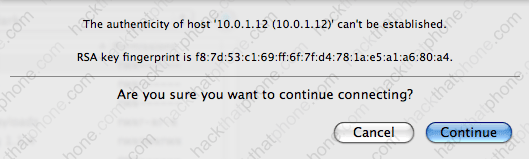
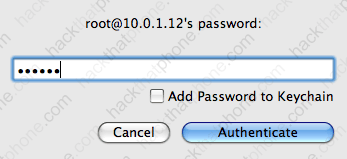
At this screen enter your password. If you haven't already changed the password, then the default one is "alpine". Enter it and click "Authenticate".
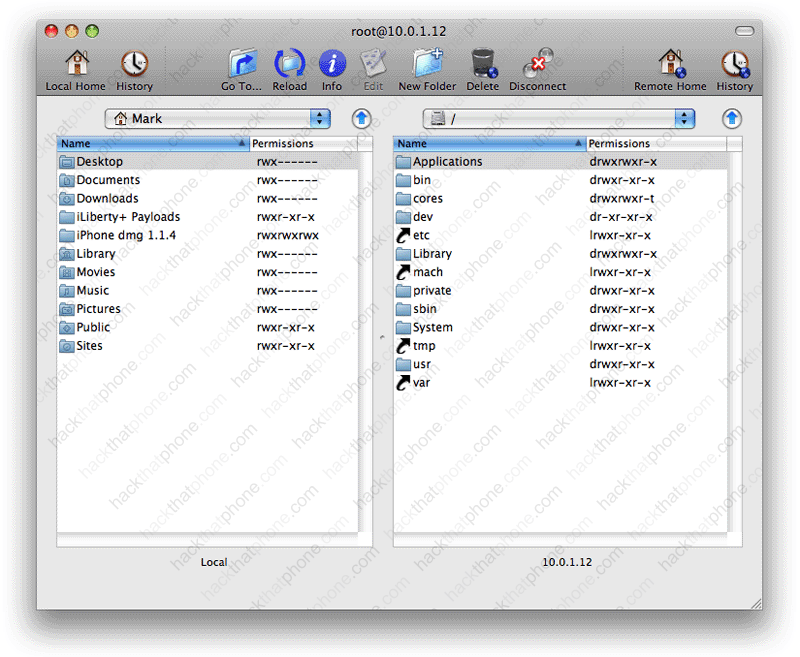
You should be at this screen. Your computer is on the left, your iPhone on the right. You can now transfer files between the two, install programs, make folders, set permissions, and delete anything you want with Fugu. I'll cover its use in other tutorials. This is a drag and drop method of transferring files which is nice.