How to unlock the iPhone using the anySIM program
Page 2 of 4Step 5.
Download the AppTapp Installer. You'll have to find it. It's software that's long unsupported these days.AppTapp Installer is a graphical user interface based package (program) manager for the iPhone. It works by downloading packages over Wi-Fi or EDGE. It supports installing, updating and uninstalling applications from multiple sources. It doesn't get any easier than this to install programs on the iPhone!
Launch the installer icon to get started. At this screen click "Continue".

Now select which firmware is on your iPhone and click "Continue".

It will then take a minute here. If the program has run for more than 5 minutes at this screen, then the program has hung and must be forced to quit. This only happens when you forget to return the iPhone to jail before launching this program.

It will then extract for a minute.
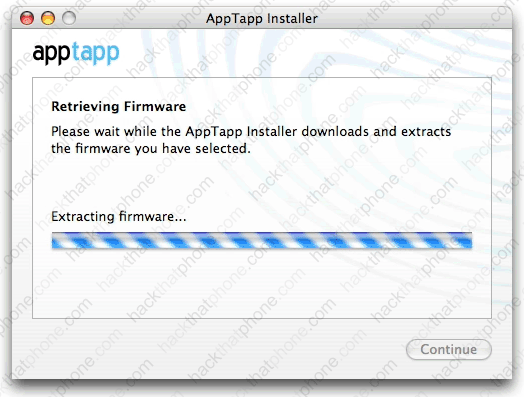
Just a litle longer...

Now it's finished. Click "Quit".
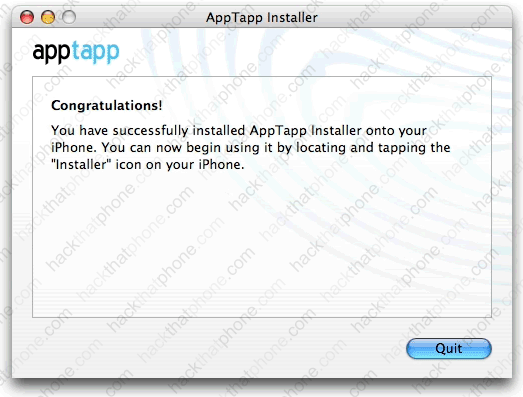
If you press your Home button on the iPhone, you will be sent back to the slide to unlock screen first. Once you are back at the springboard you will see the Installer program icon has joined the rest of your program icons.

Step 6.
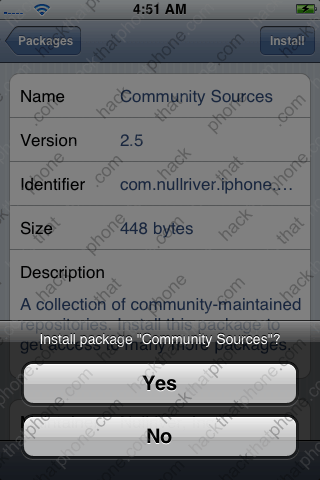
Press the Installer icon. The program should load a list of programs and display them on its own. If it does not after a few seconds, then press the "Refresh" button in the lower right corner. You'll see a list like this. Press "Community Sources". At the next screen press "Install".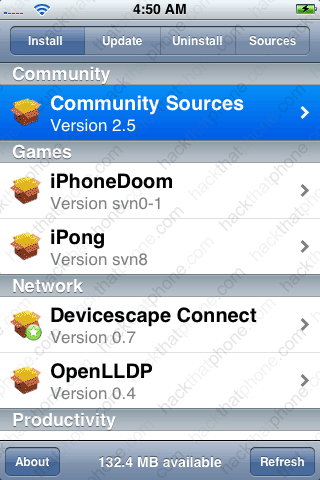
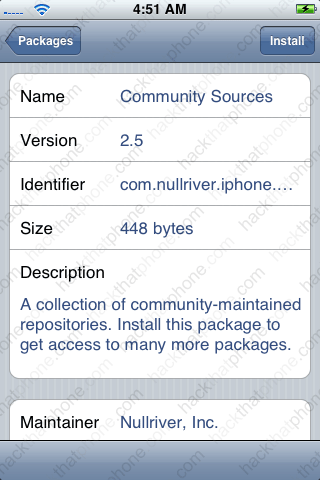
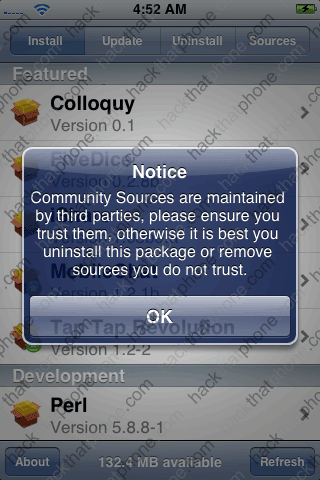
Press "Yes" to confirm the install. A few lines of text will go by in the status bar area and the program will install quickly. You will then get a warning about third party programs, just click "OK".
Now scroll way down the screen to the "System" section. Press "BSD Subsystem". Then press "Install" at the next screen.


Press "Yes" to confirm the install. A few lines of text will go by in the status bar area and the program will install in about 5 minutes.

The last program to install is OpenSSH which is also in the "System" section. Press "OpenSSH". Then press "Install" at the next screen.

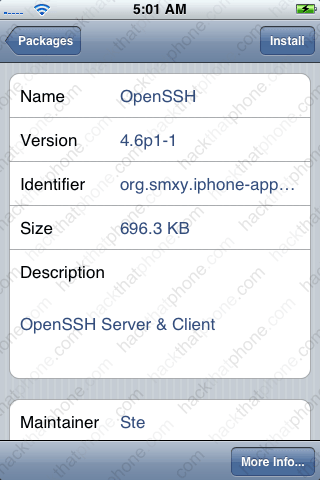
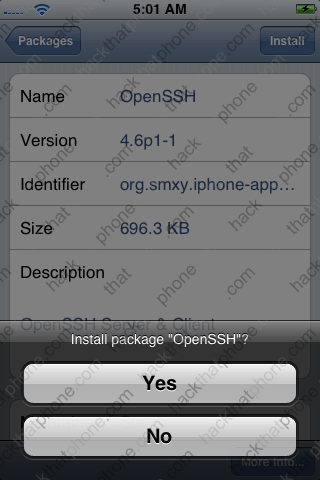
Confirm the installation by pressing "Yes". This will install in just a few seconds. You'll get a notice about your first login attempt taking some 30 seconds while the host keys are generated. Press "OK". Note: When you are done unlocking your iPhone you may want to either uninstall OpenSSH completely, or at the very least change the passwords on the root and mobile accounts since these passwords are publicly known. Also I hear running SSH on the iPhone drains the battery faster than normal. You can install a program called UIctl (in the Installer) to turn on and turn off OpenSSH on the fly (via the unload command).

You are now done with the AppTapp Installer program.
