Jailbreaking & unlocking the iPhone 4 with limera1n
Page 1 of 2Who is this guide for?
- iPhone 4 owners (activated or not).
- iPhone 3G S owners can use this tutorial but you will lose your unlock.
- Must be on 01.59.00 modem firmware to unlock.
- I used iTunes version 10.0.1
- I used OS X 10.6.4
Thanks go out to "GeoHot" for providing this amazing, and FREE program for customizing the iPhone. You can visit the limera1n website here.
Step 1.
If you use AT&T and do not care about unlocking, then just restore your iPhone to 4.1 firmware. You can skip down to Step 3 for the jailbreaking process.If you do care about unlocking then continue to Step 2. My iPhone 4 is on 4.0.1 firmware and running 01.59.00 modem firmware. I left my O2 SIM (an MVNO on the AT&T network) in the entire time.

Step 2.
Go to Semaphore's site here. Then download TinyUmbrella. This program is updated frequently. So I am hosting the exact same version I am writing about (4.1.12) as I don't have the time to update this tutorial all the time. You can download version 4.1.12 here.Double click the .pkg file that was saved to your computer.
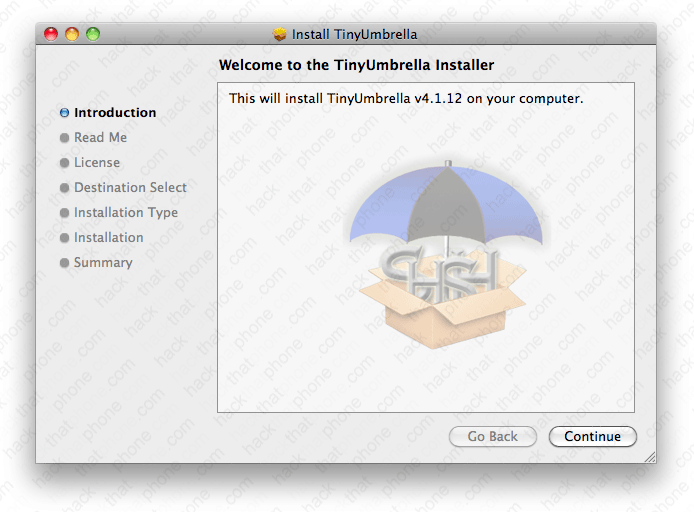
Follow the instructions in the installation screens.
Here is what the program looks like with the iPhone connected. Note: I have several iPhones, and as you can see the program is displaying several SHSHs for various firmwares that I can restore to. You should save your SHSH in case you decide to restore to 4.1 firmware after a newer firmware has been released. You can read more about the usage of this program here. With your iPhone plugged in click the iPhone in either the Connected Devices or Recent Devices section. Information about your iPhone will be displayed on the right. Click the Save SHSH button. It may take a minute or two to download any previously stored, or current SHSHs on the Cydia server.
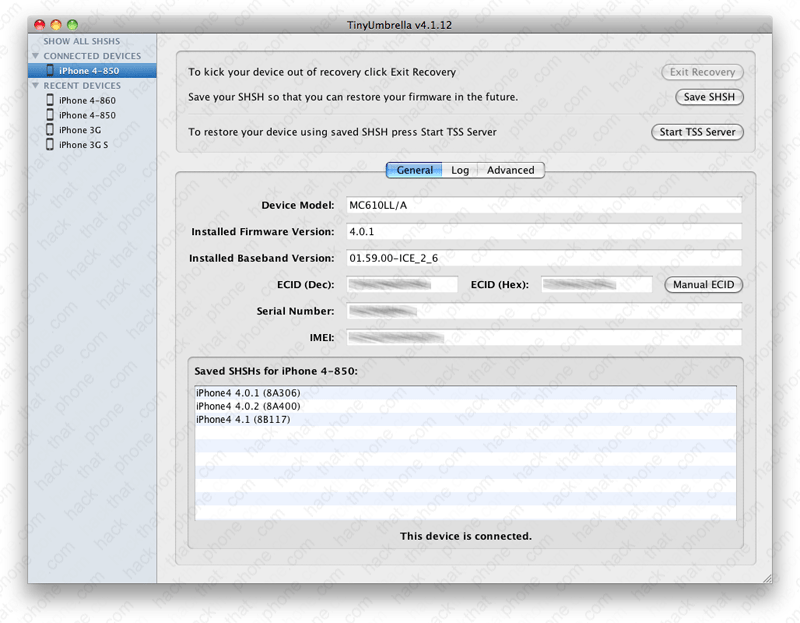
Click the Log tab then the Start TSS Server button.

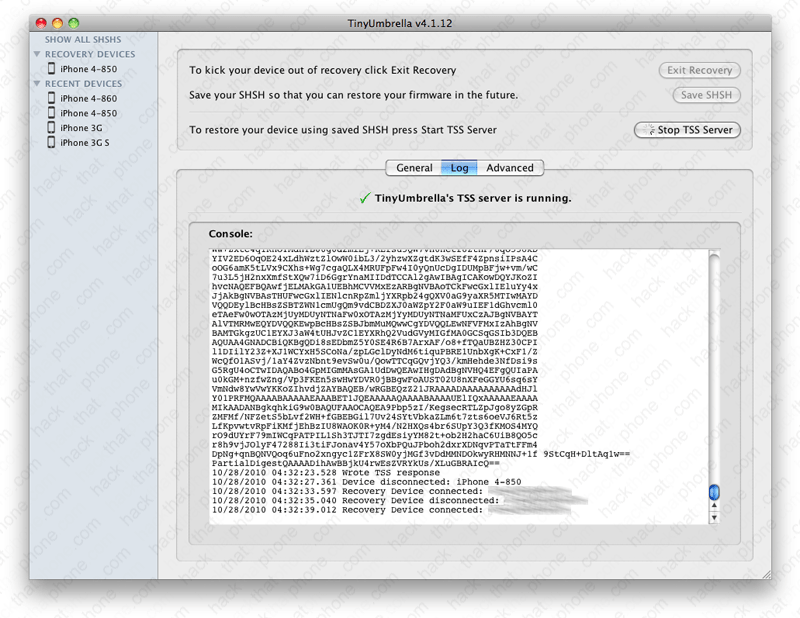
Ensure the program says TSS Accepting connections... If it does not, then read the FAQ at the Semaphore's site here.

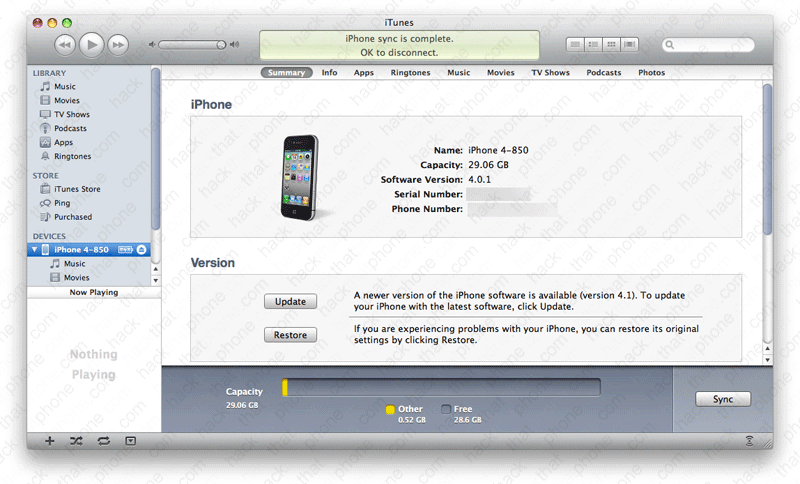
Launch iTunes. Press the Option key and then click the Restore button.
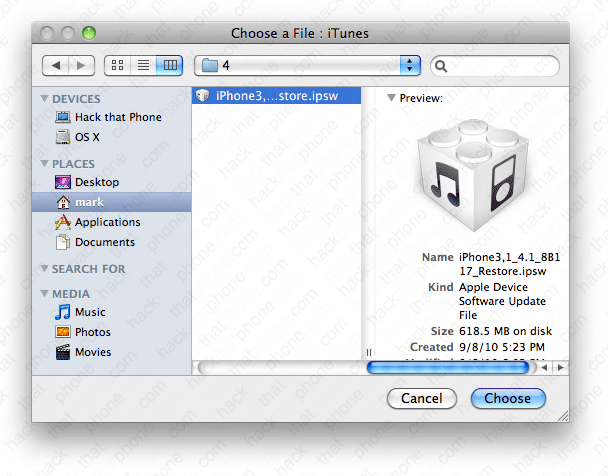
Navigate to your 4.1 iPhone firmware, select it and click Choose. You can download this firmware directly from Apple here: http://appldnld.apple.com/iPhone4/061-7939.20100908.Lcyg3/iPhone3,1_4.1_8B117_Restore.ipsw
Click Restore.

TinyUmbrella will display its status in the server console window.
The iTunes restore process continues for several minutes.

The iPhone will display a progress bar while the restore process continues.

When the restore process finishes you will receive this error message. Click OK.

At this message click OK.

The iPhone will display the recovery mode graphic.

Click on your iPhone in the Recovery Devices section then click the Exit Recovery button in the upper right. The iPhone will reboot. Click the Stop TSS Server button and close TinyUmbrella.

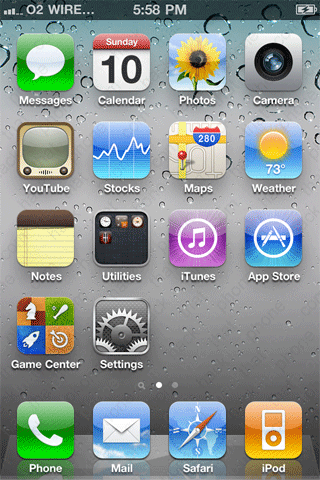
The iPhone will reboot and display the Apple logo and then the slide for emergency screen.


My O2 SIM activated the iPhone.

Set the iPhone up as a new iPhone to avoid problems.

iTunes will confirm you are on 4.1 firmware.
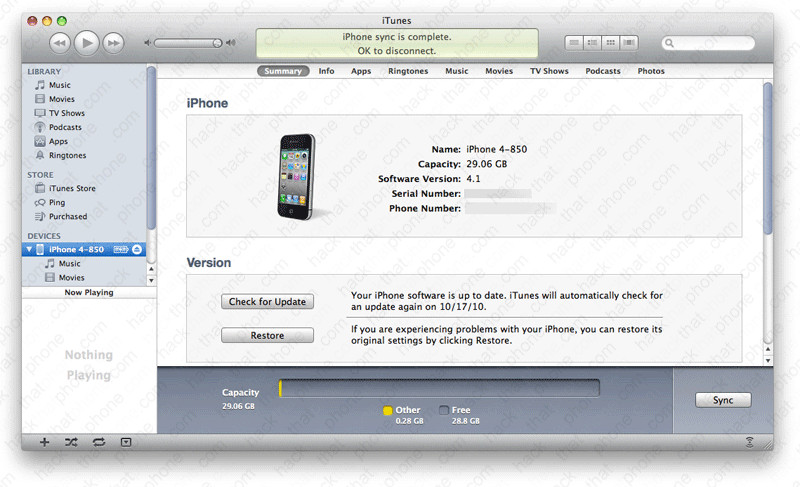
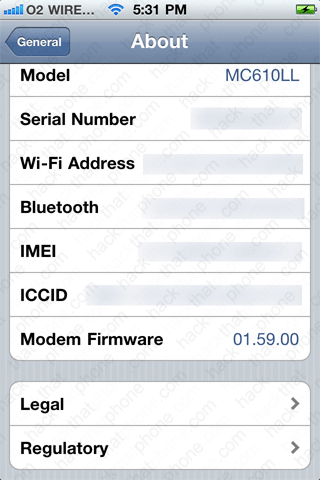
Here is my About screen showing 4.1 firmware and 01.59.00 modem firmware. Note: I always erase my serial number, Wi-Fi address, Bluetooth address, IMEI and ICCID. Your screen will have values here.


Step 3.
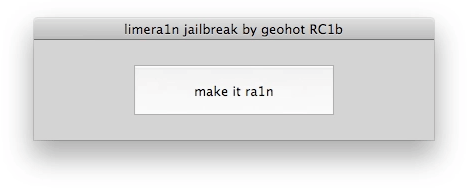
Download limera1n here. You'll have a zip file on your desktop so decompress it. Launch the limera1n application.
Click the make it ra1n button.
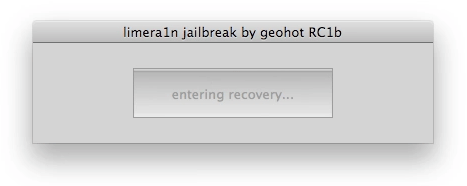
The iPhone will enter recovery mode. iTunes may get in your way and display the pop up message about recovery mode. You can dismiss this.
Hold the power (sleep/wake) button and the home button at the same time.
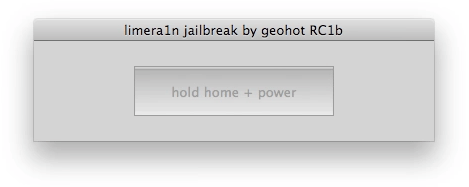
Release the power (sleep/wake) button.

The iPhone is now in DFU mode. iTunes may get in your way again and display another recovery mode pop up dialog box. You can dismiss this.
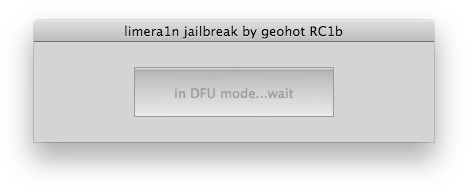
The jailbreak process will begin.
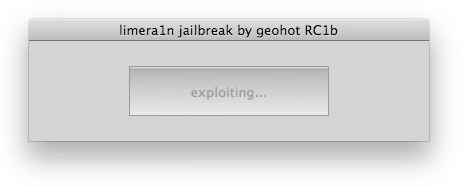
The iPhone will turn on and the limera1n logo will appear on it.

The program will say done.
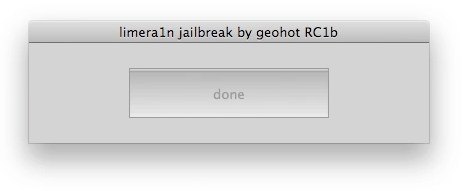
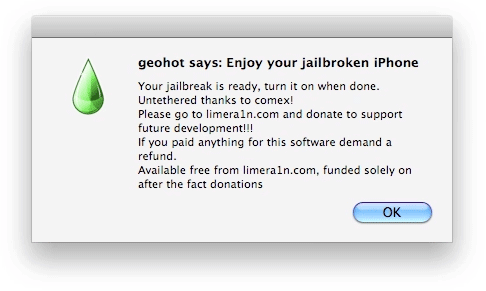
A final message will appear. You can close limera1n at this point.