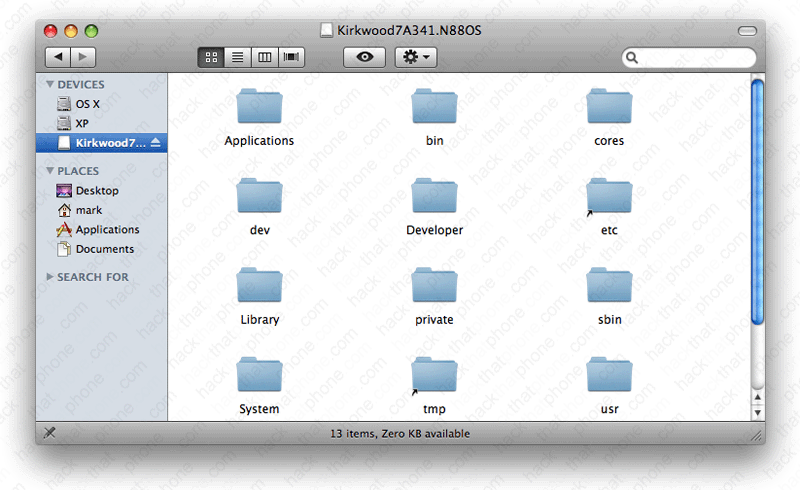
Decrypting 3.0 firmware
Decrypting the firmware will give you access to the graphics, applications and various other system files used on the iPhone. Thank you goes out to GeoHot and MuscleNerd for determing what the RAM disk key, and VF Decrypt keys were.
Step 1.
This process will work for iPhone 3G S firmware only.If you haven't already downloaded 3.0 firmware from Apple, then you can download it here. Note: Safari likes to open "safe" files by default. You must turn this feature off for this download to work correctly. Click "Safari", select "Preferences", from the "Geneal" tab uncheck the box that says "Open "safe" files after downloading". Otherwise just use Firefox to download this firmware file.
If the file you downloaded says .zip at the end, great. If the file you downloaded says .ipsw at the end like this:

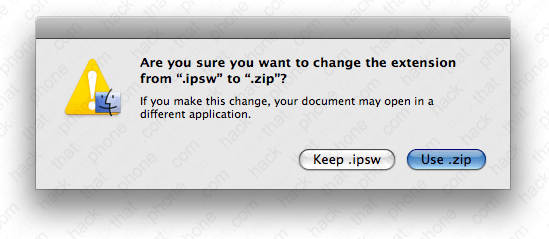
Then do the following. Click the file name so it becomes editable. Append .zip to the file name.

At this pop up, click Use .zip.
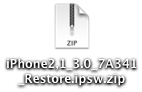
The file should now look like this.
Double click the .zip file to decompress it. You should have a folder that looks like this.

Step 2.
Download vfdecrypt here. Unzip the file and you will be left with a vfdecrypt program file.
Now put this program into the folder with your decompressed firmware.

Step 3.
Open a Finder window, click Applications, click Utilities, and launch the Terminal.app.In the Terminal window that opens, enter cd
Now drag the iPhone2,1_3.0_7A341_Restore.ipsw folder into the Terminal window. The path to this folder will automatically be pasted in after cd. Press enter.

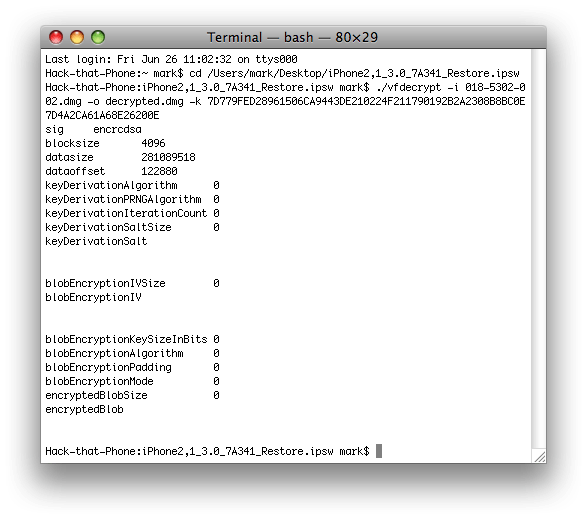
Now enter the following command. You can copy and paste this.
./vfdecrypt -i 018-5302-002.dmg -o decrypted.dmg -k 7D779FED28961506CA9443DE210224F211790192B2A2308B8BC0E7D4A2CA61A68E26200E
Press enter. Some text will scroll by and you will be returned to a system prompt when it has finished.
You will now see the decrypted.dmg file in your firmware folder.
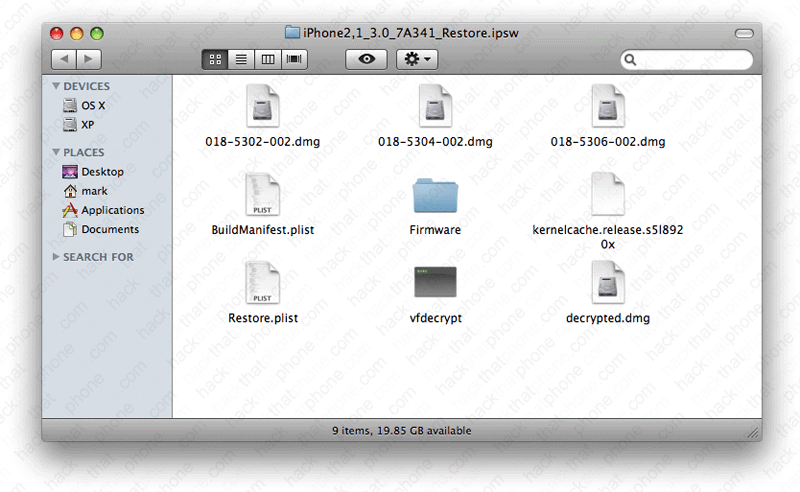
Double click the decrypted.dmg file and you'll have access to many of the files and programs in this firmware.