Installing the Nintendo Entertainment System (NES) emulator / Purchasing a program on Cydia
Emulators for almost every old hunk of junk computer (I personally programmed with BASIC on an Atari 400) or video game console have been around for ages. The Nintendo Entertainment System is no exception. There is a project called NES.app which has been created by "NerveGas". This emulator is based on the InfoNES core. Since this program is for sale (on 3.x firmware), I will also show you how to make a purchase on Cydia.
Attention
I will be using Fugu to upload the files in this tutorial. These instructions can be applied to any files you want to add to your iPhone, provided you already have SSH installed. If you have not installed OpenSSH, or used Fugu before, then you must read this tutorial first.Step 1.
Launch Cydia. Press the Sections button. Scroll down to Games and push it. Scroll down to NES 3. This is meant for 3.x firmware. Push it.

Press the Purchase button. This is my first purchase. I'm choosing to authenticate with my Google account. You can also choose Facebook.

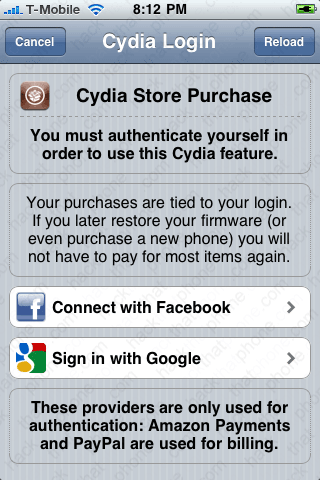
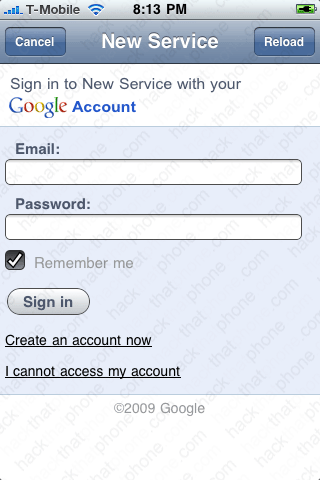
Sign in to your account. You will get a message about Cydia requesting information.
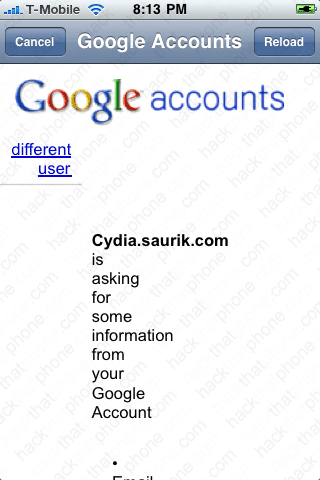
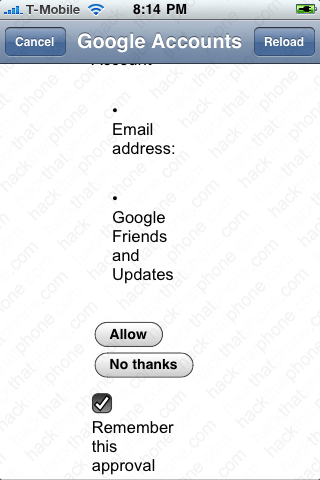
Press Allow. Press Link Device to Your Account.
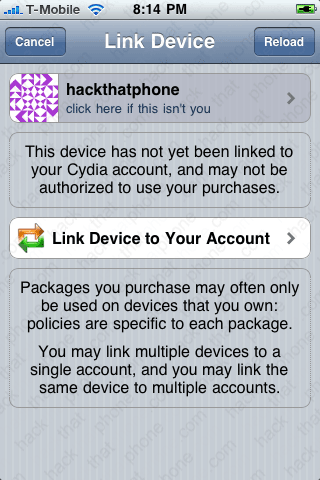
Decide if you want to use Amazon or PayPal for your form of payment. If you chose PayPal you will go to their sign in page next. Either sign in to your account, or just enter your credit card information on this form to continue.
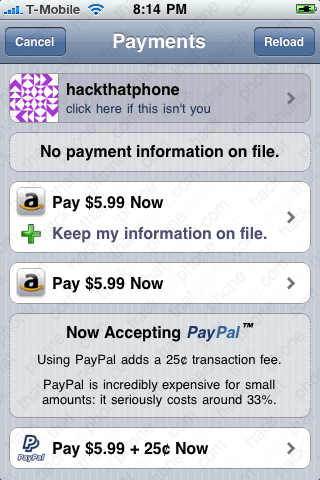

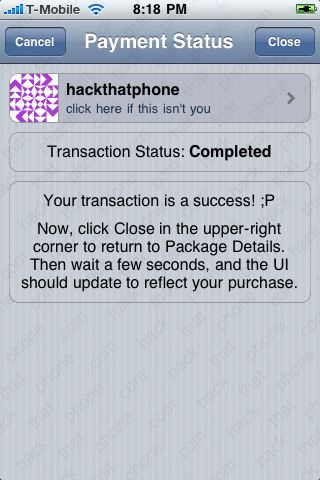
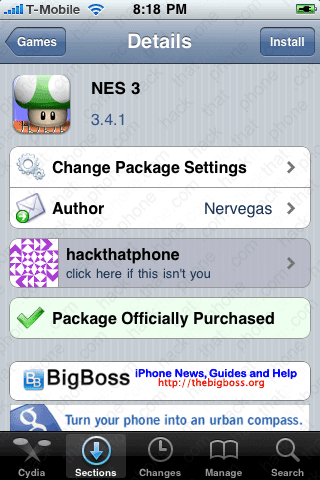
Once you have made your payment you will see this screen. Press the Close button. Press the Install button at the next screen.
Step 2.
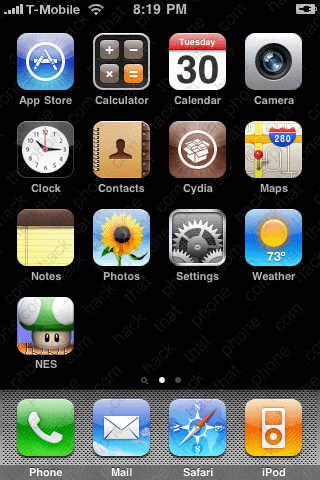
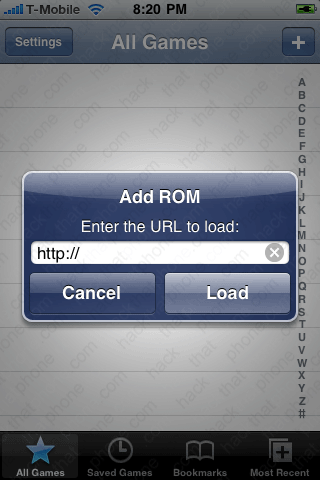
You should now have the NES program on your SpringBoard. Launch the program. You will be at the All Games screen. If you push the + button, you can load your game ROMs by entering their URL.Please do not e-mail me asking where to find games, I will not reply. I do not condone the illegal piracy of copyrighted Nintendo games, and I provide no support in obtaining or using pirated images.
If you don't have your ROMs on a webserver, then you can load them onto the iPhone using Fugu. Navigate to /var/modile/Media/ROMs/NES
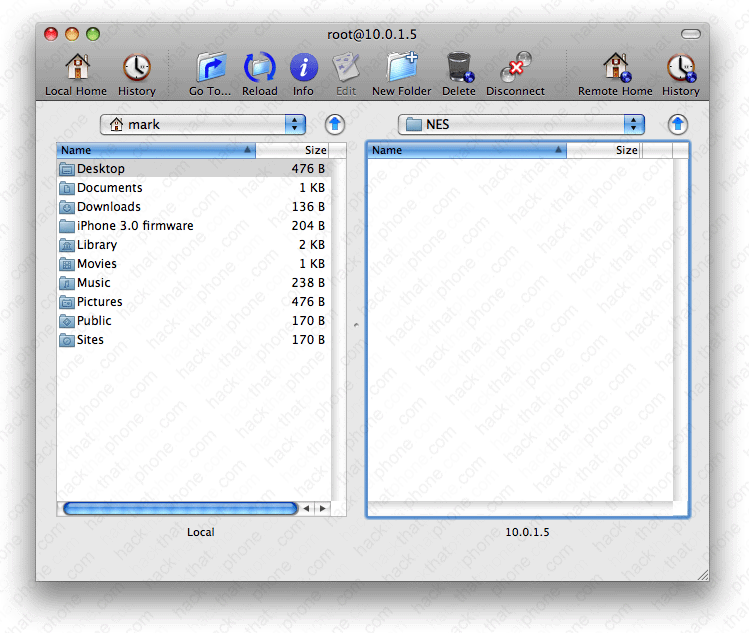
Place your ROMs into this folder.
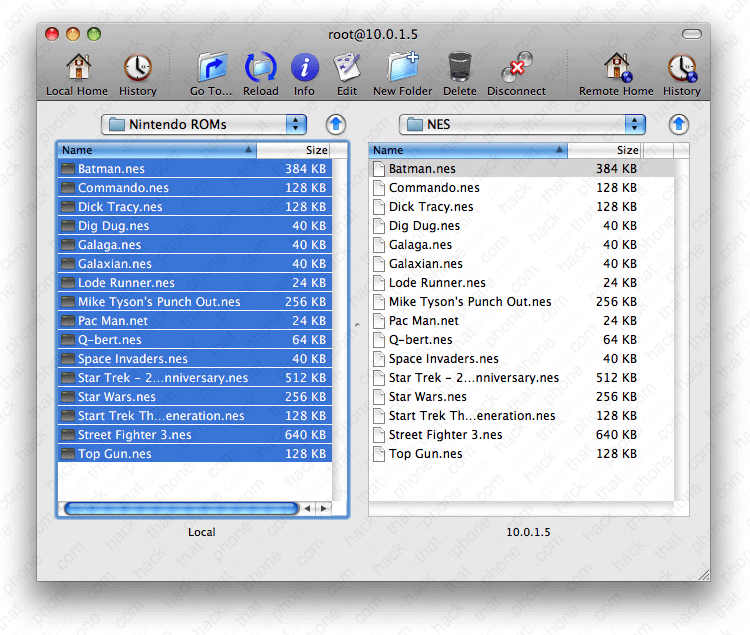
Next check that the permissions are set correctly on the ROM files. If they are not, they may not play inside the emulator. Click on View, Columns, Permissions.

Make sure all your game files have 3 Xs in the Permissions column.

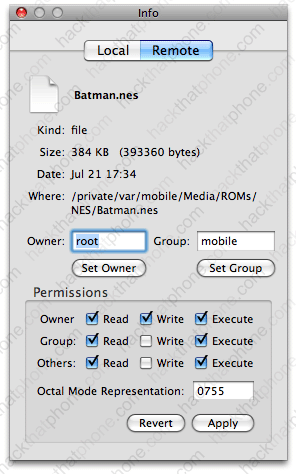
If they don't have these permissions, then right click each file, one at a time, select Get Info.
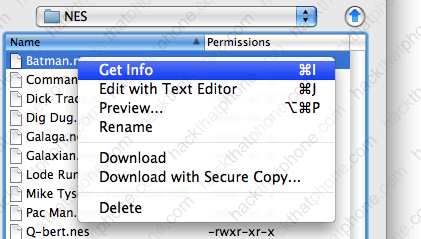
Change your permissions to match these, and click Apply.
Step 3.
Launch NES and you will see your list of games. Let's launch Batman. You can either play your games in portrait mode...
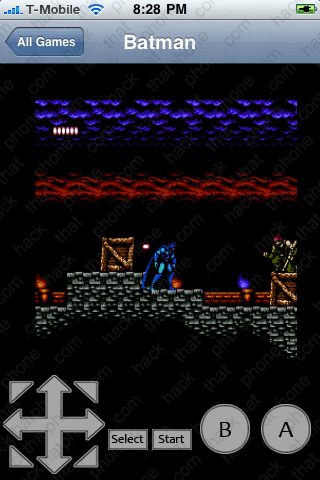
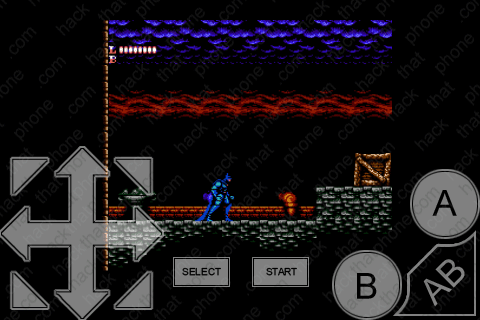
Or landscape mode. Don't forget to investigate the Settings menu too.
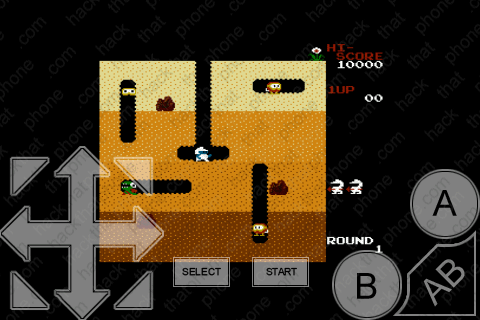
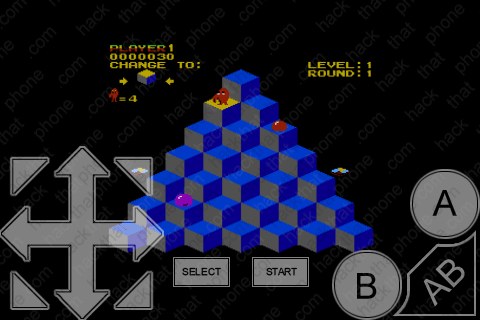
Here's a couple more of my favorites: Dig Dug and Q-Bert.