Making push notifications work on hacktivated iPhones
If your iPhone is jailbroken and hacktivated then most likely your push notifications don't work. If you would like to have your push notifications working, here is a method. This was created by anathema. You can read his post on this here, and here. You can also read a discussion over at Howard Forums here. His work is based on the iPhone Dev Team's original method to solve the push issue.
Because of the way the certificates are generated they will be difficult to obtain. The server this program is hosted on can only generate so many per day. I had try many times to install this program before it would work, so be warned. I can verify this works on my 2G, 3G and 3G S.
Step 1.
Launch Cydia. Press the Manage button. Press the Sources button.

Press the Edit button. Press the Add button.
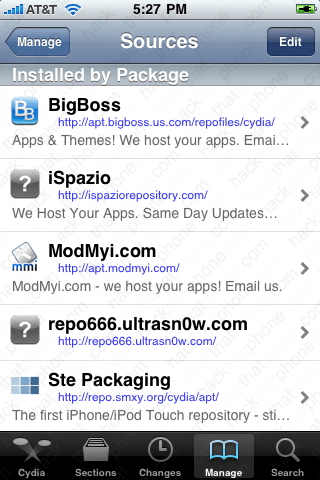
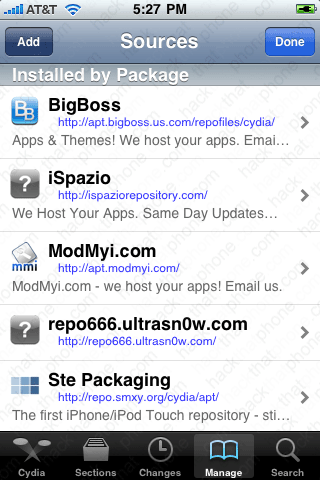
Enter cmdshft.ipwn.me/apt/ Then press the Add Source button. Press the Done button.

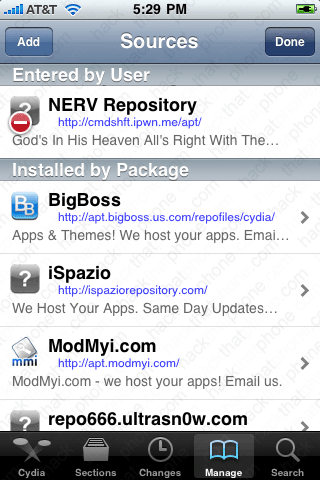
Press NERV Repository. Press Push Doctor.
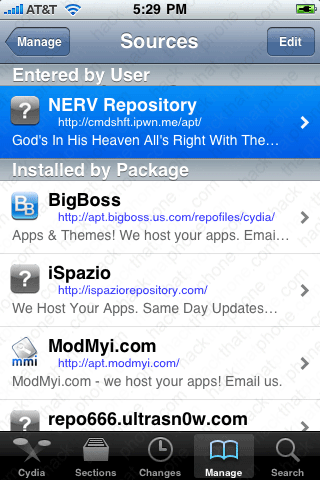

Press Install. Press Confirm.
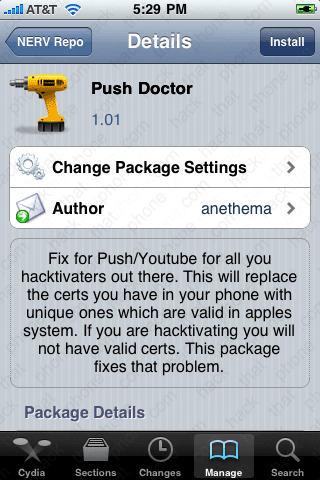

Numerous programs will be installed and it will take some time to complete. If you see an error message, then that means the server that generates the certificates doesn't have a certificate (due to demand). You will have to uninstall just the push doctor program and try reinstalling it.


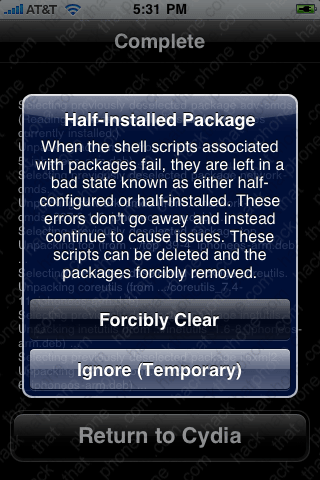
When you are prompted, select Forcibly Clear to remove the program, or you may have issues. It will then remove the program. Press the Return to Cydia button.
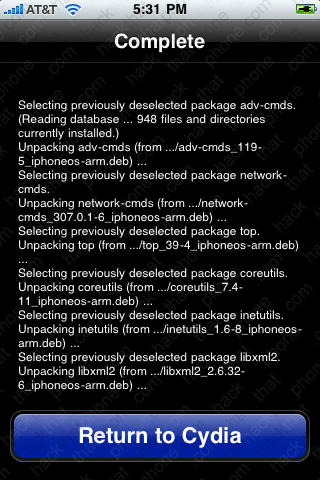
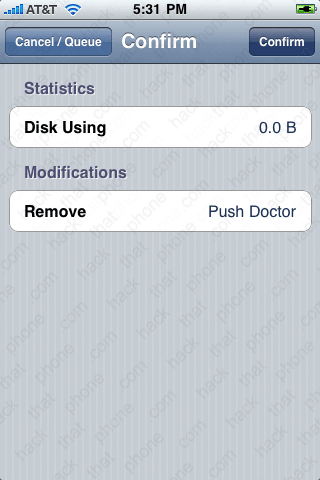
Press the Confirm button. Press the Return to Cydia button. It is now uninstalled and you can try again...

Here is what you will see when it is properly installed. An easy way to test if push notifications are working is to launch the AppStore and install a program called iPusher.
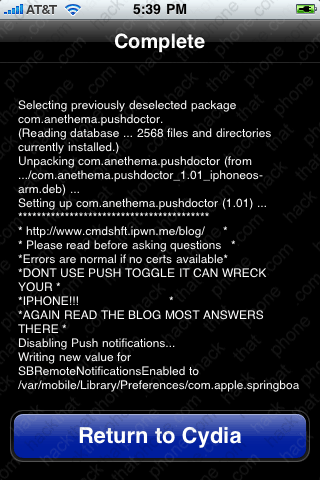

Launch iPusher, and select OK at the pop up message.
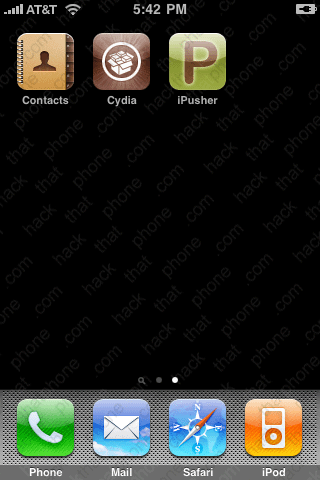

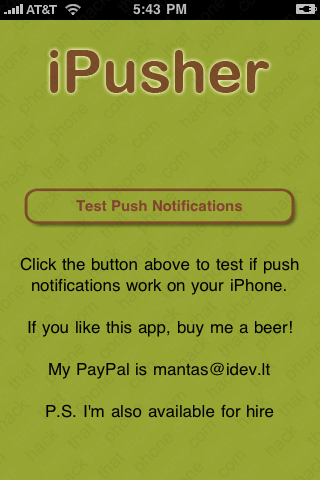
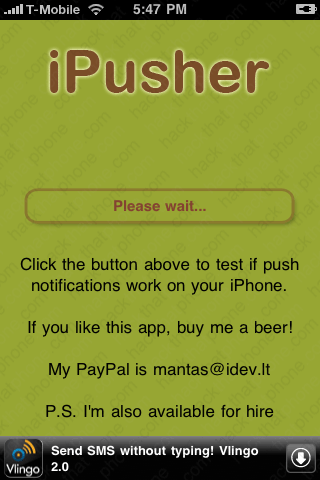
Press the Test Push Notifications button. It'll tell you to wait. This should only take a few seconds.

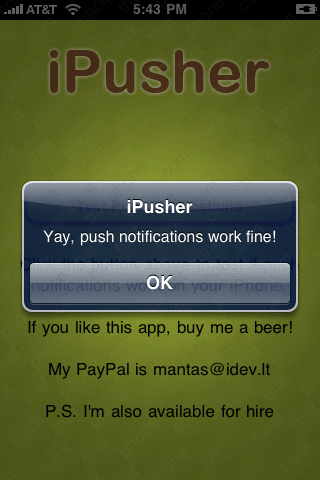
You should receive a push message pop up telling you it works. Note I'm using an AT&T SIM. When I switch to my T-Mobile pre paid SIM iPusher hangs at the please wait message. This push fix doesn't work with my T-Mobile SIM for whatever reason.
A troubleshooting suggestion from anathema if using push over Wi-Fi is to set your iPhone's DNS to 8.8.8.8. You do this by launching Settings, press the Wi-Fi button, then press the blue arrow next to your network's name. Press the text where your DNS number is and you can edit it.
