Unlocking the 3G iPhone on 3.1.2 firmware using PwnageTool in Expert mode
Page 2 of 2
Step 5.
Launch iTunes. A pop up from iTunes will appear. Click OK.
You should see this in iTunes.

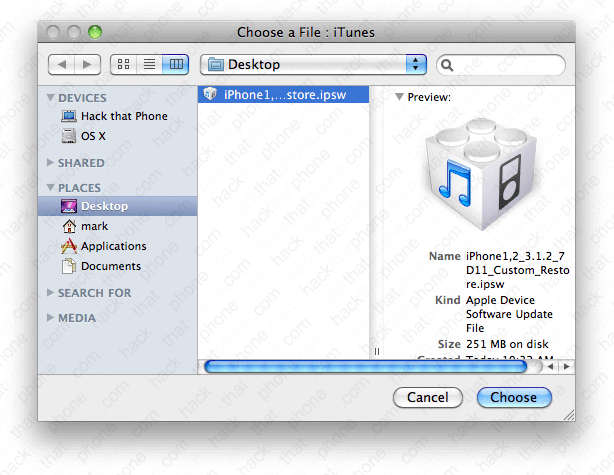
Press the Option key on your keyboard, and click the Restore button in iTunes. In the pop up window that opens, navigate to the custom .ipsw file that was saved to your desktop by PwnageTool during Step 4.
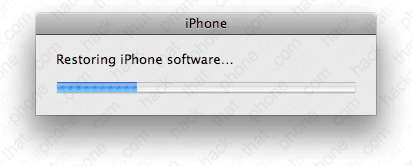
You will see various status bars, while the restoring process proceeds. The iPhone's screen will turn white, and if you chose a custom boot logo, you will see it display on the iPhone at this point. Otherwise you will see the Apple logo.
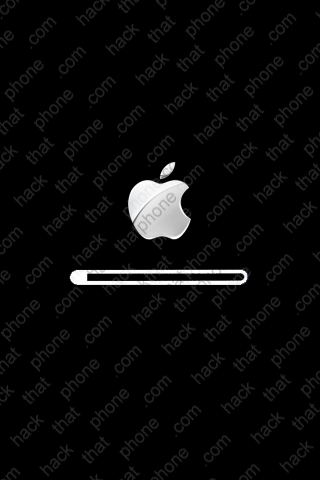
You will also see this status bar graphic on the iPhone as the installation process continues.
Once the restore process has finished you will receive this message.

Step 6.
If you are using an AT&T SIM just to get your push notifications working, then the iPhone may display the connect to iTunes graphic for up to a minute. iTunes may not see the iPhone, but give it a chance to activate on its own. If it does not, then you can try disconnecting and reconnecting the USB cable. iTunes should now see the iPhone and display the waiting for activation message. Slide to unlock to dismiss this message.
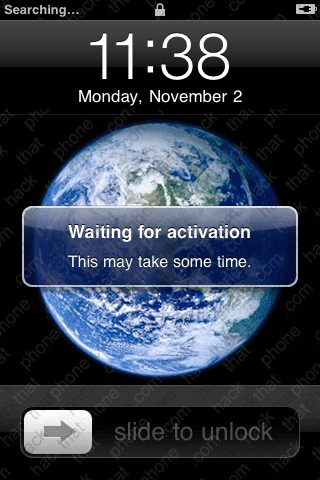
Note: You may not even see this message, it may just activate right away. I used an active AT&T GoPhone SIM, that's why I have full bars and 3G displaying.

iTunes should prompt you to update your carrier settings (if you have an AT&T SIM installed.) Click Download and Update.
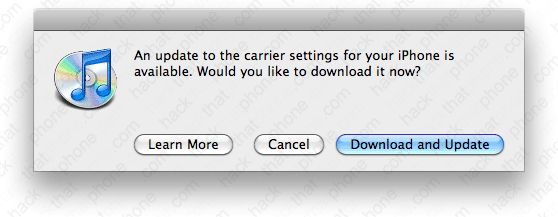
iTunes will install the file in seconds.

Click OK.
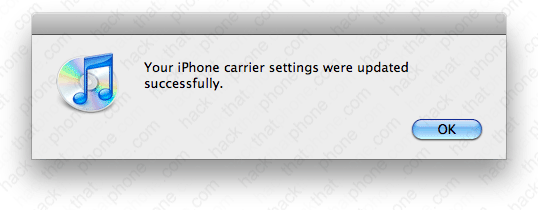
iTunes should prompt you to set up the iPhone. You should NOT restore from a backup as it has been well documented that this causes issues with the battery draining at an accelerated rate for whatever reason. Make your selection and click Continue. The iPhone will reboot. Note: I erased my phone number for privacy reasons.

Continue setting up your iPhone. Click Done.

Then this screen will appear, confirming you are on 3.1.2 firmware. Note: I erased by my serial number for privacy reasons.
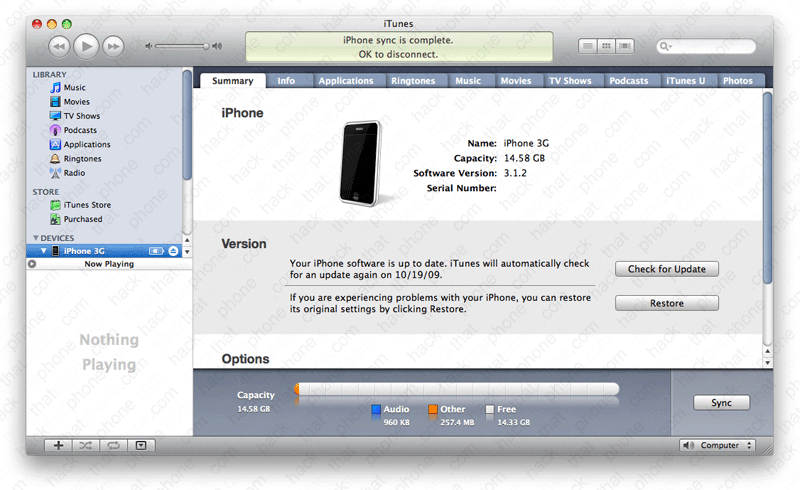
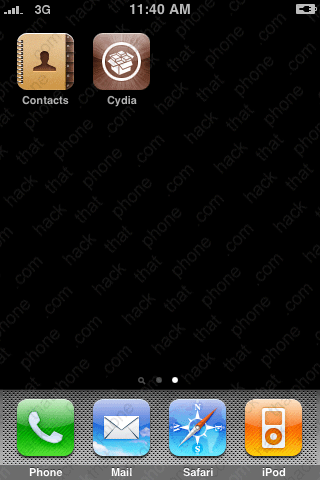
Cydia (and Icy, if you selected it) have been placed on the SpringBoard and you are almost ready to go.

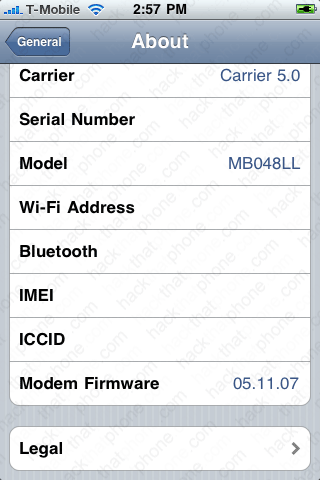
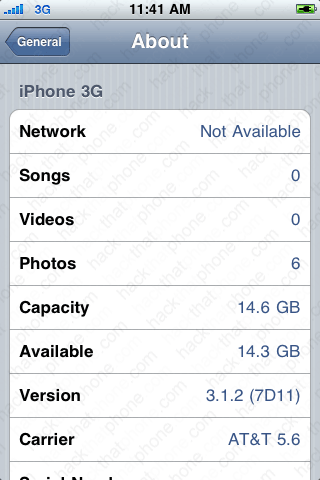
If you launch Settings, and press, General, About, you can confirm your firmware versions here. I am on 3.1.2 firmware, and my modem (baseband) was left alone. Note: I always erase my Serial Number, Wi-Fi Address, Bluetooth, IMEI and ICCID from my screen shots for privacy reasons. Remember, don't update to newer firmware than 3.1.2 until it can be unlocked or used with PwnageTool as you could render your iPhone useless as a phone.

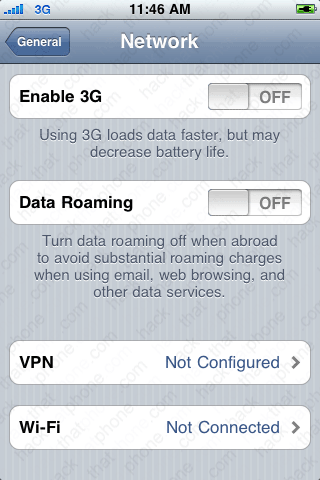
Launch Settings, press General, press Network, and turn off 3G.
Step 7.
Switch out your SIM card.
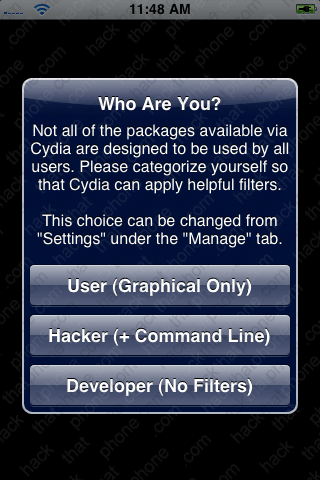
Let's unlock the iPhone now. Launch Cydia (you'll be prompted to enter your Wi-Fi password if you haven't done so already). Make your selection at this screen. Then perform any updates needed to Cydia. Once that has finished restart Cydia.
Note: If you have 5.11.07 modem firmware, then use blacksn0w to unlock. Instructions will follow at the end of this tutorial.

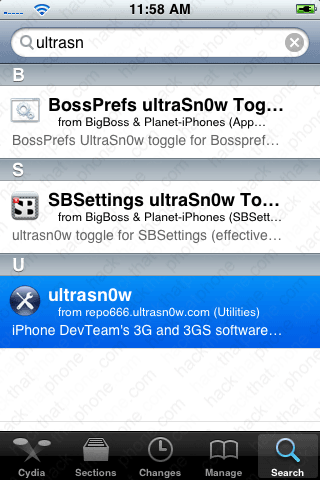
Press the Search button. Enter ultrasn0w and press the entry at the bottom to select the program. Then press the Install button.

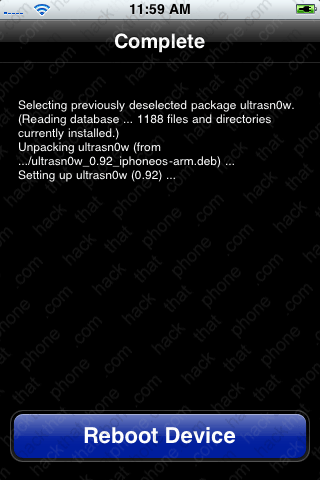
When it is finished, press the Reboot Device button. If you launch Settings, and go back to General, About, you'll notice your carrier settings file has reverted to a previous version because you are using an unauthorized SIM. If you don't already have carrier bars, double check that your 3G slider is still off. I've had to shut this switch off more than once before.

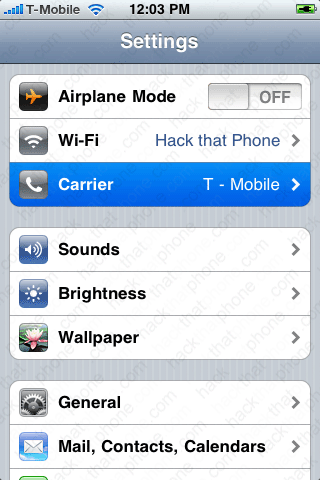
You may want to check your Carrier menu. I hear it is better to select the carrier name you want to use versus leaving it in Automatic.

iTunes now displayed the phone number field.

blacksn0w
This step is only for those on 5.11.07 modem firmware, as ultrasn0w can not unlock this. Launch Cydia. Press the Manage button, then press Sources. Press Edit, then press Add. Enter blackra1n.com then press the Add Source button. When it has added the source press the Done button. Then press the Source name. Press blacksn0w.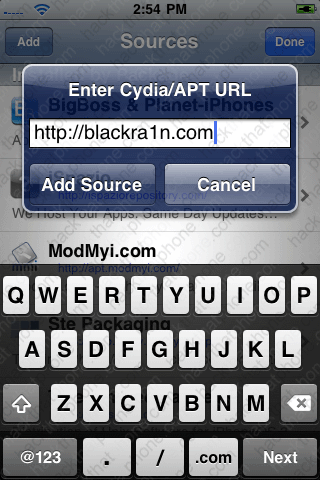

Press the Install button. Press the Return to Cydia button.


If you go to your Settings, General, About screen you will see I am now on T-Mobile, on 3.1.2 firmware and 5.11.07 modem firmware.