Jailbreaking/unlocking the 3G iPhone using redsn0w
Page 2 of 2
You can choose to install Cydia and Icy. Click Next.
Warning: If you choose to install Icy, you may have to repeat this jailbreak process. It seems Icy has a conflict with Cydia, where Cydia can not download essential updates on first use. I had this problem, so I ran the redsn0w process again, did not select Icy, and Cydia worked just fine. Icy will still be on the iPhone when you are done, if you choose to initially install it.

Note: If you are interested in having push notifications working (I don't use this so I can't attest to it), you will need to activate your iPhone with an official SIM. Push does not work on hacktivated iPhones. redsn0w can sense whether or not you require hacktivation based on your previous restore. If you activated officially, redsn0w will do nothing, if you did not activate offcially then it will hacktivate for you. Bottom line - you figure it out. I'm just making you aware of a potential issue.
Make sure your iPhone is off, and plugged into your computer with the USB cable. Click the Next button.
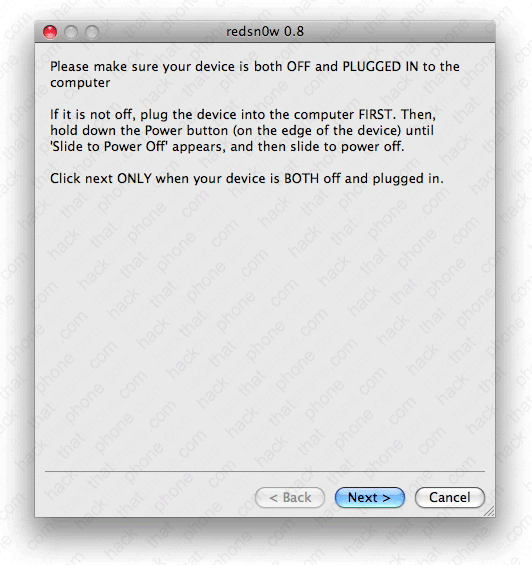
Instructions for entering DFU mode will appear. They start right away and go very quickly so try to keep up! First hold down the Power (sleep/wake) button for three seconds.
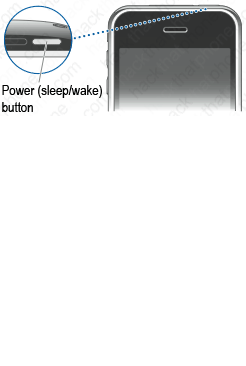

Keep holding on to the Power button, and press and hold the Home button for 10 seconds.
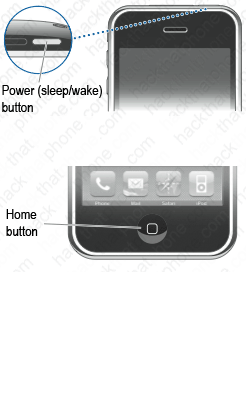

Continue holding the Home button, and release the Power button.
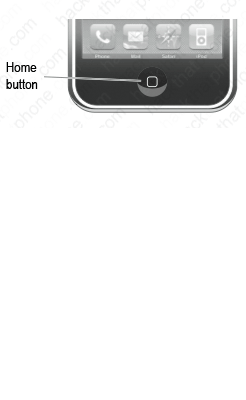
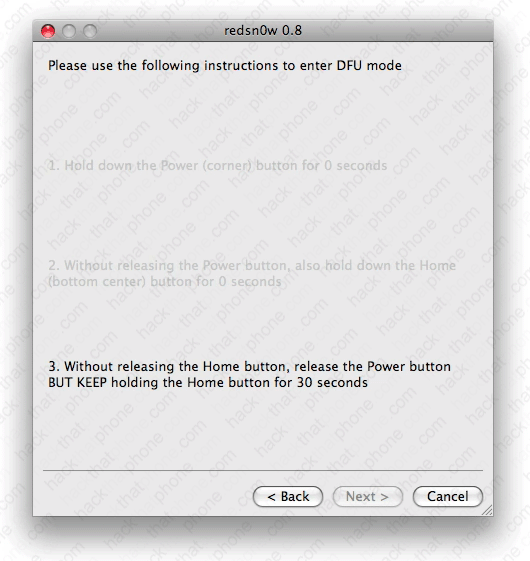
After a few seconds various messages will appear on the screen. At this point you can let go of the Home button.
Note: If your redsn0w screen hangs at the message Waiting for reboot, then simply unplug the USB cable, then plug it back in.
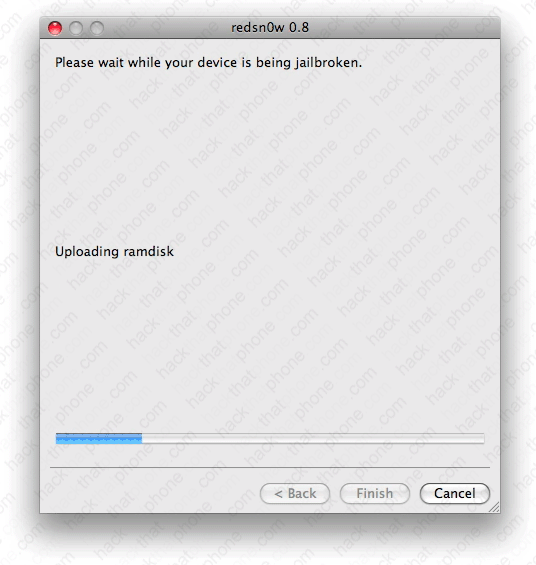
You will see this graphic on your iPhone.
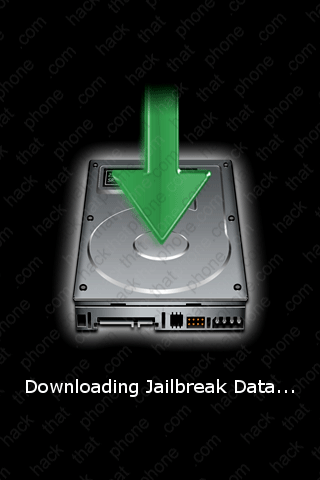
After a bit the iPhone will reboot. Done! will appear in the program. You can click the Finish button to close the program.
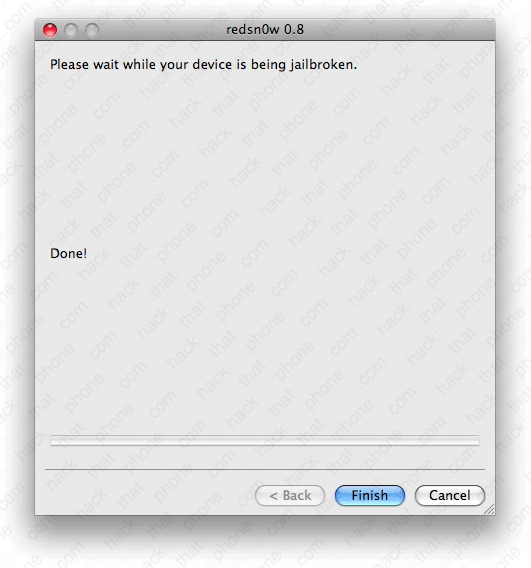
You will see a few different messages (Installing base utilities, Replacing kernel, Flashing NOR, Installing bundles, Syncing file systems, Rebooting) on your iPhone during the next couple minutes.


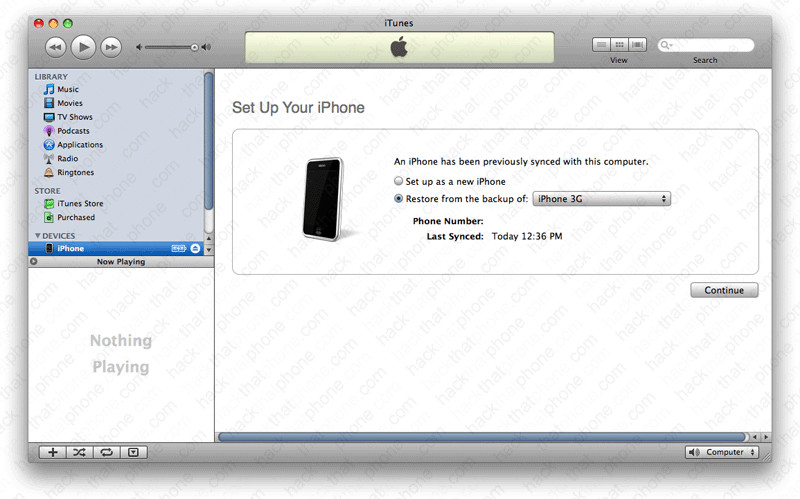
The iPhone will reboot again. iTunes should ask you to set up your iPhone. Note: Many people find that they have problems with their applications crashing when they choose "Restore from the backup of" at this screen. If this happens to you, your only option may be to repeat this entire process then choose "Set up as a new iPhone" and resync your iPhone instead. You will of course lose application specific data.
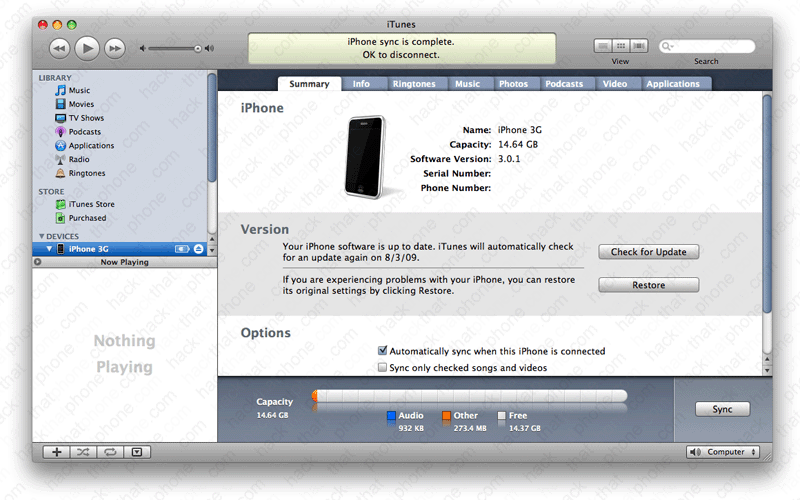
iTunes will now confirm you are on 3.0.1 firmware.
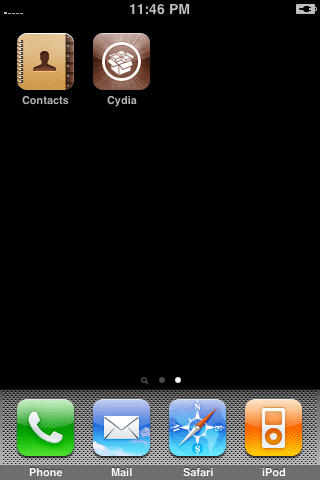
Cydia has been added to my SpringBoard.
Step 4.
Let's unlock the iPhone now. Switch out your SIM cards (if you haven't already).
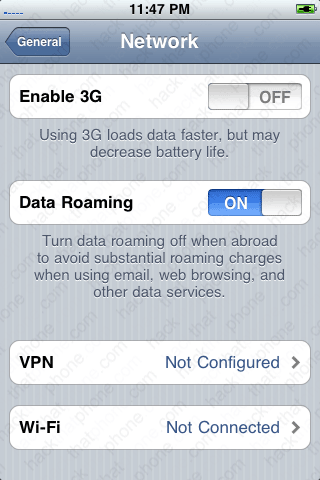
Launch Settings. Press General, then Network. Make sure that Enable 3G is set to OFF. Connect to your Wi-Fi network.
Launch Cydia, and perform any updates needed to Cydia. You will either receive a pop up message advising you to update Cydia, or you will have a red badge on your Changes button.
Press the Manage button. Then press Sources. Press Edit, then press Add. Now enter the URL repo666.ultrasn0w.com Then press Add Source. Your source will be added. Press the Done button. You will see the source in the Entered by User section. Press the source name.
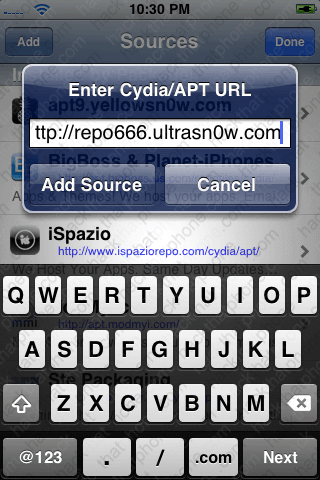

Now press ultrasn0w and install the package.

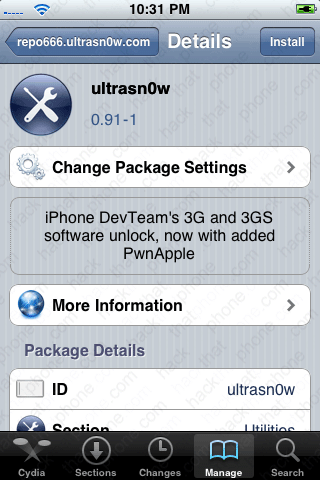
When it has finished installing you will have to reboot the iPhone. Once the iPhone has rebooted it should detect your new carrier immediately. If you launch Settings, and go to General, About you will see you are now on 3.0.1 firmware and on the same baseband as 3.0.
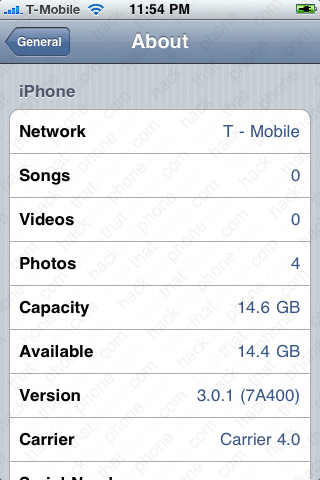

Remember, don't update to newer firmware than 3.0.1 until it can be unlocked or you could render your iPhone useless as a phone.
For more information on ultrasn0w, and any perceived issues, or conflicts, read this post by the iPhone Dev Team.
Should you have issues with Push notifications or ultrasn0w dropping your cellular signal, read this post by ranova over at BigBoss.org
