Make and use themes with WinterBoard
Section 17: Custom 3G icons
Updated: July 23, 2009
The 3G icon is another graphic that you can customize. I've only seen one WinterBoard theme out there that does this. It is called 3G Fireball Icon.
Here are the stock 3G icons. The graphic that is disaplyed on light colored backgrounds is called Default_UMTS_ON.png.

The graphic that is displayed on dark colored backgrounds is called FSO_UMTS_ON.png. Both of these graphics are located here: /System/Library/CoreServices/SpringBoard.app/

If you install the 3G Fireball Icon theme (from Cydia) this is what the new graphics look like:


Step 1.
To create your own 3G icon theme, let's look at how the 3G Fireball icon theme is constructed. Go to your Themes.xxxxxx folder. Double click on the Fireball 3G Icon.theme.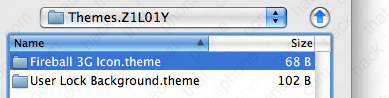
Double click the Bundles folder.

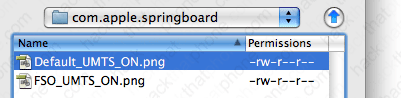
Double click the com.apple.springboard folder.

There are the two images. Replace them with your custom images to make your own theme.
Step 2.
Toggle the theme off then on to get it to reload the new graphics.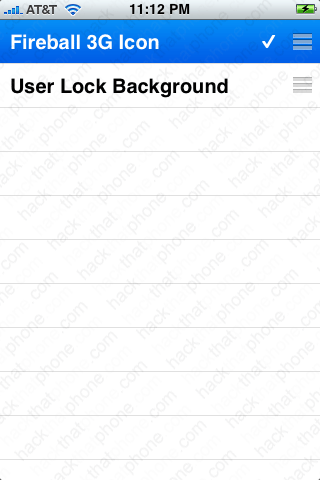
Ready to change the notification badges?
