Make and use themes with WinterBoard
Section 22: Per-page wallpaper images
Updated: July 23, 2009
You can have a different image on each "page" of the SpringBoard. To demonstrate this, here are my stock iPhone pages.

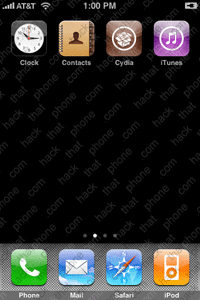


From Saurik's site: "This graphic will be displayed above widgets and wallpapers, but below the icons. Unfortunately, due to a bug that I'm working on fixing, it will also be displayed above the dock when your icons are wiggling."
Step 1.
Go into the folder where you want to put your wallpapers. In this example I made a theme called Multiple wallpapers.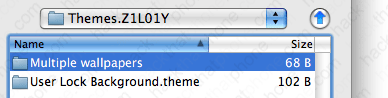
There is a maximum of 11 pages in the SpringBoard. Name your image files this way: Page0.png, Page1.png, et cetera. Make them 320x480 and save them in .png format. Place them into the folder.

Step 2.
Launch WinterBoard, and select your new theme.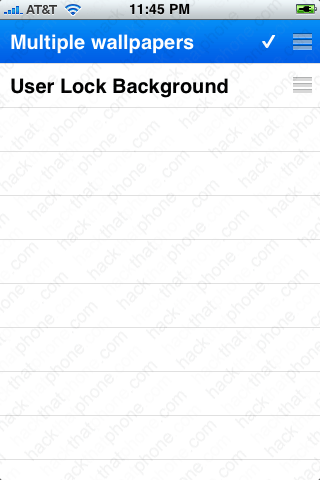
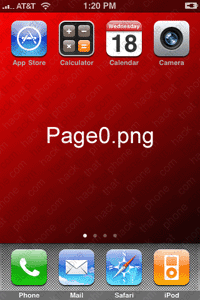
Here are the new wallpapers.


Would you like to learn how to change the font for the lock screen clock, or how to remove the clock?
