Make and use themes with WinterBoard
Section 24: Five column SpringBoard
Updated: July 23, 2009
While this isn't a WinterBoard tutorial, I think this section makes a great place for this hack which further expands the customization of the SpringBoard.
If you find yourself pressed for space and can't fit all your icons on your home screens, and you really like that claustrophobic look, then check out this hack. It will allow you to fit up to four more icons per home screen.
Step 1.
Here's the standard iPhone screen with four columns of icons. Launch Cydia. Find and install Five-Column SpringBoard.
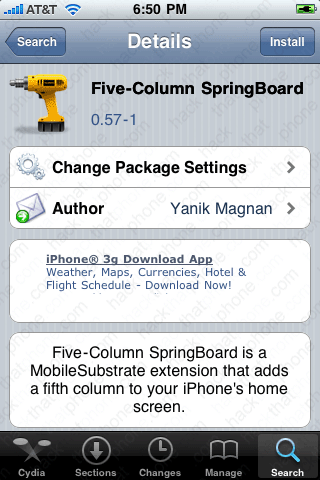
Step 2.
I used SBSettings to respring the SpringBoad. You will now see your changes.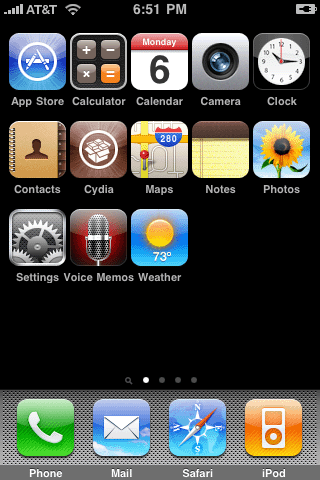
If you install the Five Icon Dock (the tutorial is here), you can get one more icon onto the screen.
Would you like to learn how to remove the day, month, and date text from the lock screen?
