Make and use themes with WinterBoard
Section 29: Custom SMS (Messages) background image
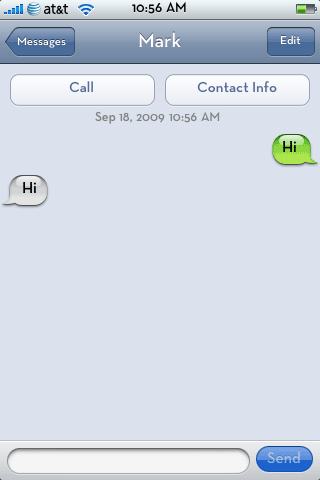
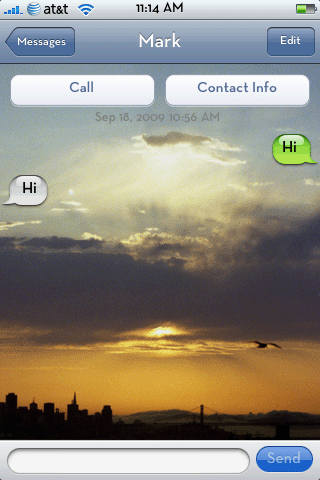
Why settle for this plain old background graphic in your SMS program when you can put whatever you want there instead?
Step 1.
Find an image you want to use. You can experiment with the size, I found that 480 pixels in width by 480 pixels in height worked well in either landscape or portrait mode. Save this image as SMSBackground.png.
Step 2.
Launch Fugu and create a folder for your theme. I called mine SMS background.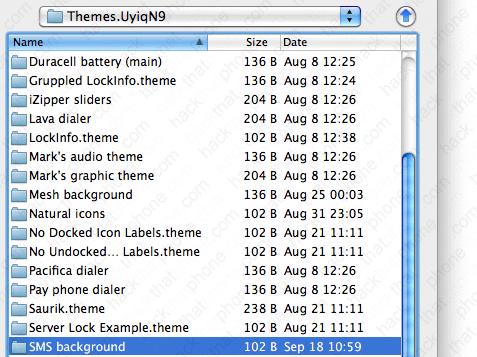
Place your png in here.

Launch WinterBoard, and select your new theme.

