Unlocking the 1st generation iPhone using PwnageTool in Expert mode
Page 2 of 2
Step 5.
Launch iTunes (if it didn't launch automatically). A pop up from iTunes will appear. Click OK.
You should see this in iTunes.

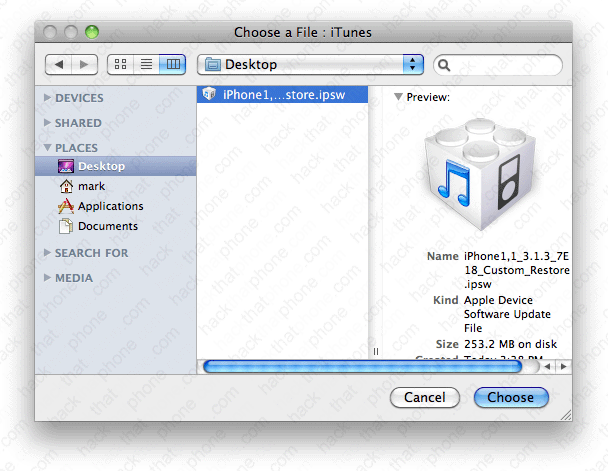
Press the Option key on your keyboard, and click the Restore button in iTunes. In the pop up window that opens, navigate to the custom .ipsw file that was saved to your desktop by PwnageTool during Step 4.
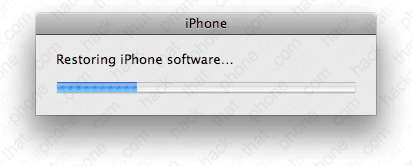
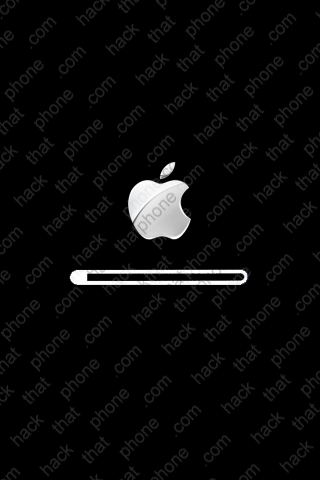
You will see various status bars, while the restoring process proceeds. The iPhone's screen will turn white, and if you chose a custom boot logo, you will see it display on the iPhone at this point. Otherwise you will see the Apple logo.
You will also see this status bar graphic on the iPhone as the installation process continues.
Once the restore process has finished you will receive this message.

When the restore process has completed, BootNeuter 2.1 will launch automatically.
If your iPhone was previously unlocked, and you didn't know, no problem. BootNeuter would quickly detect that there was nothing for it to do, and it will display the four images below.
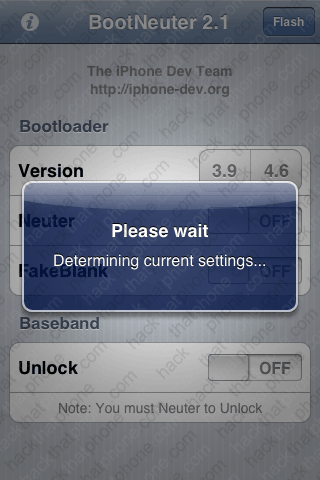

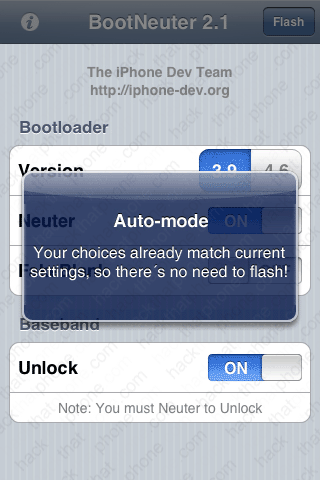
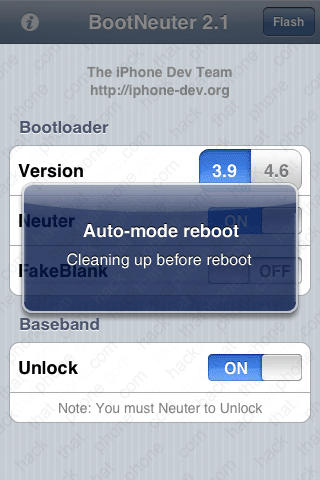
If you were not already unlocked, you will see these screens right after the iPhone reboots. iTunes
will prompt you to set up your iPhone at this point. Do not touch iTunes while Boot Neuter is
running! These are the status screens you will see:
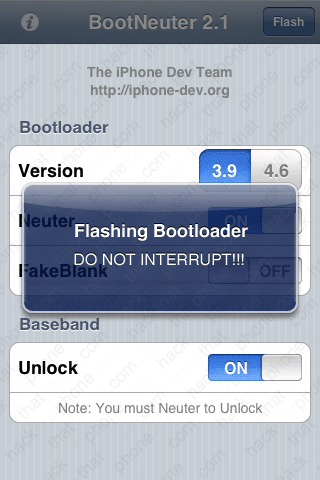


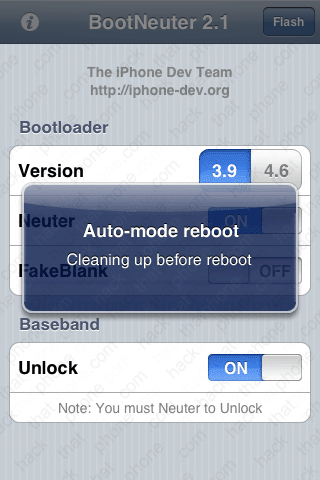
|
Step 6.
The iPhone will reboot at this point. iTunes should prompt you to set up the iPhone. You should NOT restore from a backup as it has been well documented that this causes issues with the battery draining at an accelerated rate for whatever reason. Make your selection and click Continue. The iPhone will reboot. Note: I erased my phone number for privacy reasons.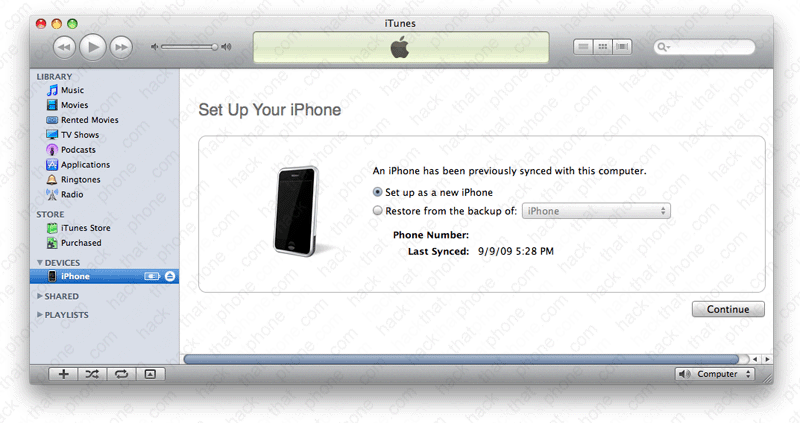
Continue setting up your iPhone. Click Done.
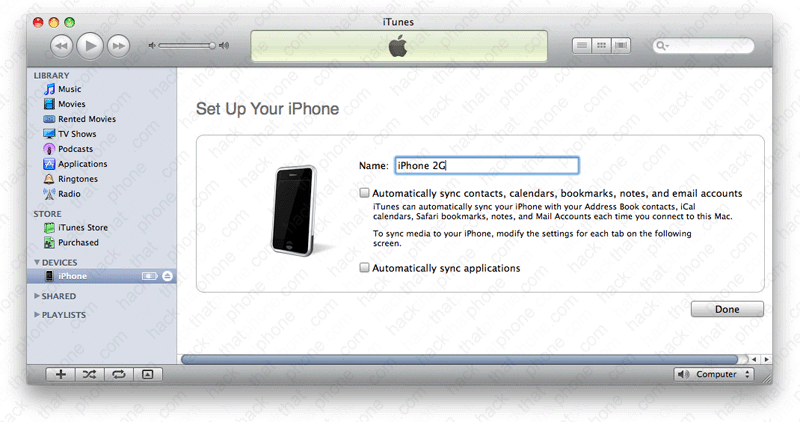
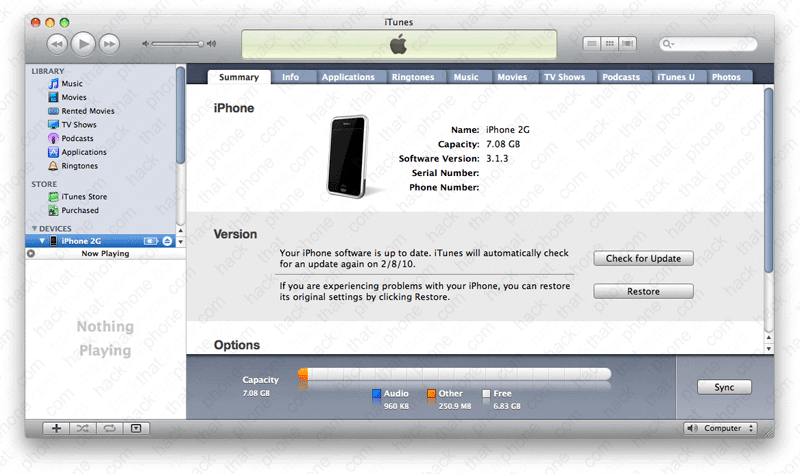
Then this screen will appear, confirming you are on 3.1.3 firmware. Note: I erased by my phone number and serial number for privacy reasons.
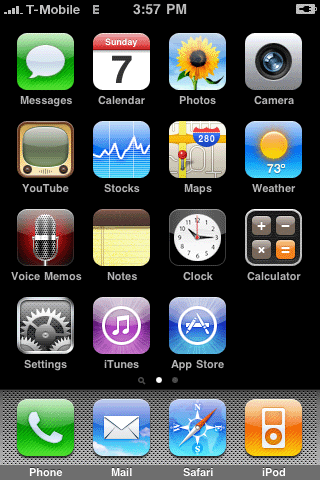
Cydia (if you selected it) will be on the SpringBoard, and you are ready to go.

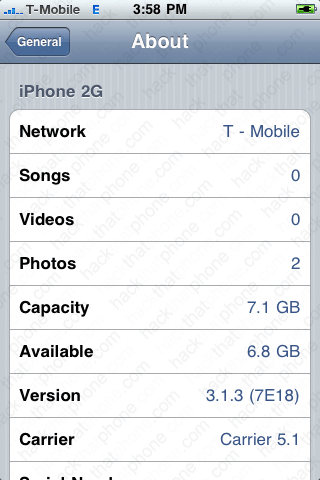
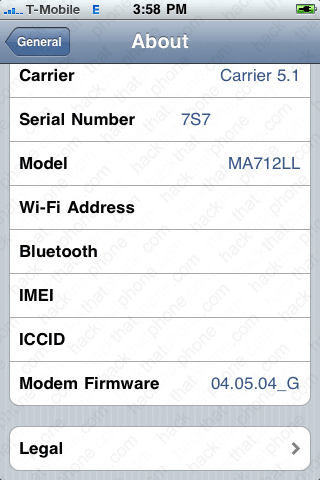
If you launch Settings, and press, General, About, you can confirm your firmware versions here. I am on 3.1.3 firmware, and my modem (baseband) was left alone.
Note: I always erase my Serial Number, Wi-Fi Address, Bluetooth, IMEI and ICCID from my screen shots for privacy reasons.