Make and use themes with WinterBoard
Section 8: "Natural" icons
If you haven't noticed, the iPhone adds both an overlay graphic (which adds a reflective quality), and a drop shadow to icons. You can remove these graphics so that your icons will match your jailbreak application icons. Here's my before and after. I'm calling the removal of this effect naturalizing the icons.


Step 1.
Click here to download the Natural icons theme. You'll need to decompress the .zip file. You can then place the Natural icons folder into your /private/var/stash/Themes.xxxxxx folder.
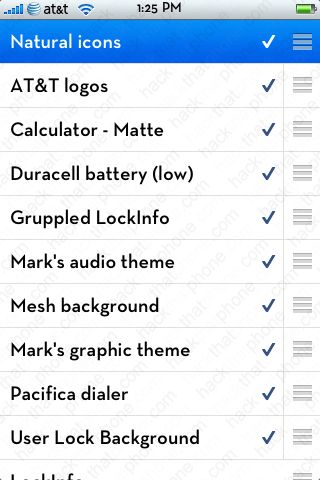
Launch WinterBoard, and apply the theme.
Ready to change the stock sliders and sound effects?
