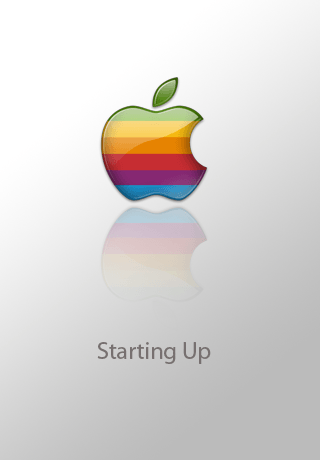
Quickly change your boot logo
intel Mac & PPCUpdated: March 13, 2009
One of the iPhone Dev Team members, "Planetbeing" made a program on Cydia called Logo Me. This allows you to change your boot logo by simply entering a URL of a properly formatted png. The program will then download the graphic, allow you to preview it and reflash the part of the firmware that incorporates this image so it will display.
Step 1.
Launch Cydia and install Logo Me. Launch the application and press the Start button. You then have three choices: Image Picker will select images stored on your iPhone, Download Image will allow you to enter a URL to an image, and Restore Default will revert back to the Apple logo. Let's pick Download Image.

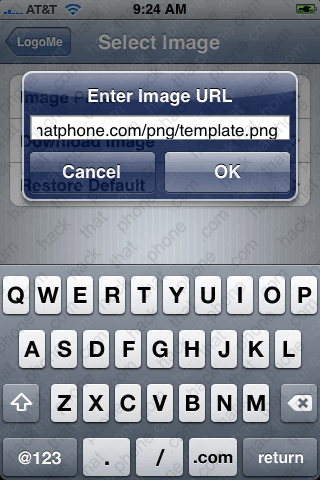
You will be prompted to enter the URL to the image. The URL I've entered goes to my Rolling Stones logo. Once you press OK, it will fetch the image.

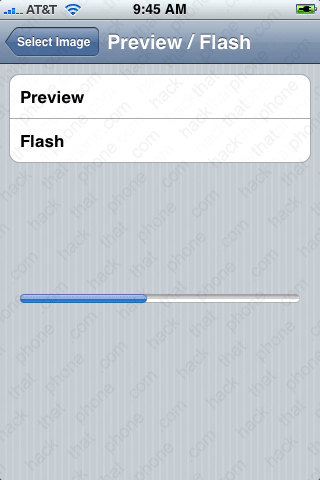
After it has finished downloading, you can click Preview to see what the image will look like on the iPhone. Press the image to go back.


Press Flash and you will then be prompted to confirm the operation.


A status bar will appear while the image is flashed to the iPhone. When it has finished, reboot and check out your new graphic.
If you don't know where to find boot logos, go to Google and search for "iPhone boot logos". There are tons of them out there. Here are a few I found. They need to be 320x480 in size and there has to be at least one transparent pixel on the image to work.