Make and use themes with WinterBoard
intel Mac & PPCSection 10: Changing the progress wheel
Note: If you replace any graphic with your own custom graphic, make sure you are saving the file as a png, and that it retains the same dimensions as the original. You can try experimenting with dimensions, but your restults may be mixed.
I am going to use a theme in Cydia called Retro Loaders to replace the stock spinning wheel that you will see when loading a webpage, refreshing Cydia, et cetera.
There are 84 images (at least with the two styles of loaders I tested), but I'm sure you could make your own using fewer images. There are three different sizes of these loaders, they rotate and they have to look good on black and white status bars.
Step 1.
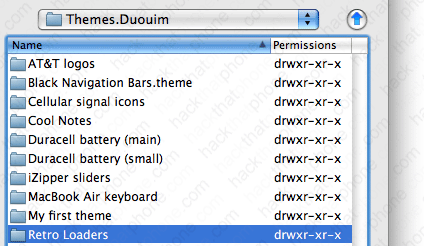
You should be at your Themes.xxxxxx folder. Create a new folder called Retro Loaders.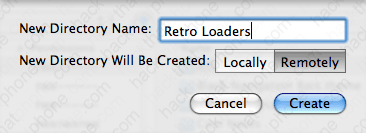
Go inside this folder.
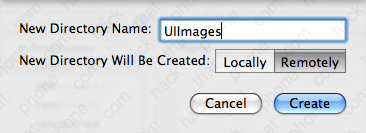
Make a new folder called UIImages.
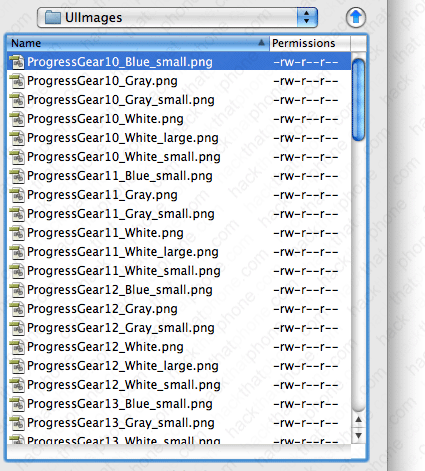
Now go inside this folder.

Copy all your images into this folder.
Step 2.
Launch WinterBoard and check out your new graphics.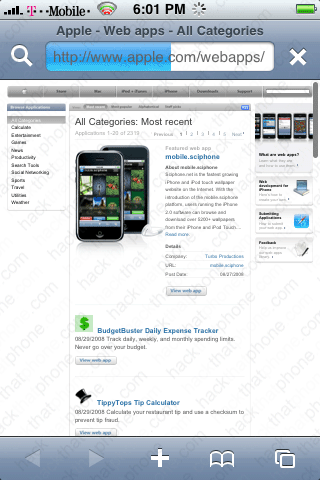

Ready to change the system sounds?
