Getting AT&T to unlock your iPhone
Posted: September 22, 2012Who is this guide for?
- Anyone with an iPhone locked to AT&T that is or was a customer.
AT&T has started unlocking AT&T iPhones that have fulfilled their contract, or have had their ETF paid and haven't been reported as lost or stolen. The catch? You have to be a current or former customer to receive a free unlock. You can't just purchase an old iPhone from someone and then call up AT&T to unlock it. This method is permanent. When a new firmware comes out you can install it without any worries about maintaining an unlock.
When you submit your unlock request to AT&T, they check to ensure your device is eligible for an unlock. AT&T then submits your iPhone's IMEI to Apple. Apple adds this IMEI to their white list and the next time you restore (or just deactivate your iPhone) iTunes will unlock the iPhone.
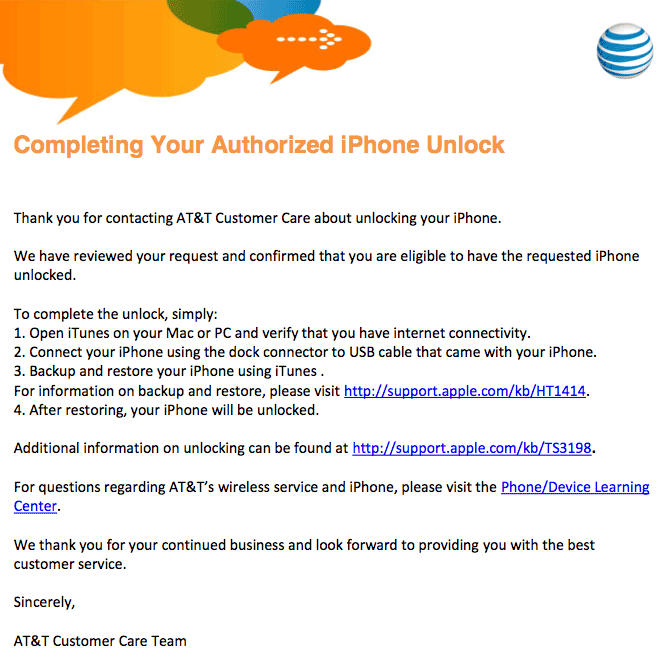
AT&T will send you an e-mail telling you that you need to restore your iPhone. You don't have to do this if you don't want to. In this case my wife didn't want her iPhone jailbroken and didn't want to restore it. We just wanted the unlock. I'll show you how to do this. Apple has a technical article on unlocking here: http://support.apple.com/kb/HT5014
Step 1.
You can either call AT&T at 800-331-0500 or chat with them. I prefer not to sit on hold and listen to horrible, distorted, overmodulated music or listen to rehearsed scripts from customer service reps so I'll show you the chat method.Go to ATT.com. Log in to your account. Click the Support tab then select Contact Us. Yeah you can read the Unlock My iPhone link, but it will only slow you down....

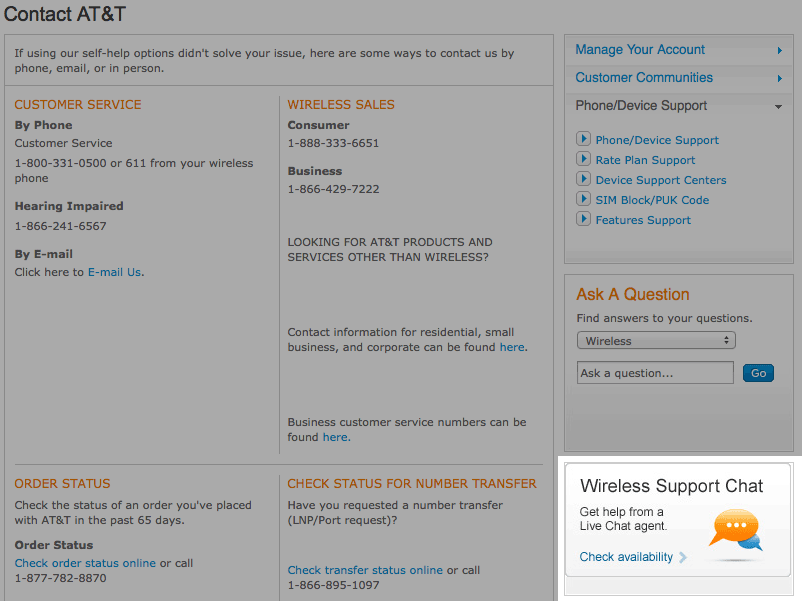
Scroll down the page and click the wireless support chat button.
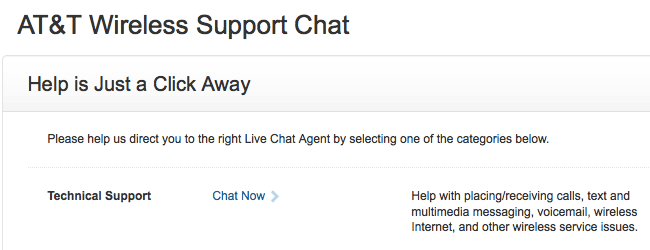
You'll be at another screen. Look for Technical Support, then click Chat Now. They sure like to hide these things on their site don't they?
A pop up will appear. Enter your personal information. Provide your IMEI when asked. They'll verify your eligibility and send you an e-mail. Ours only took a few minutes to arrive.
Step 2.
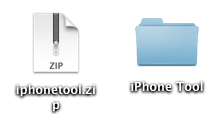
If you want to restore your iPhone, then restore and skip ahead to Step 3. I didn't want to restore and I didn't want to jailbreak.In order for the unlock to take effect, the iPhone must be deactivated and then reactivated. Here's how you do that. Click here to download the iPhone Tool.
Once you download the zip decompress it. I left this folder on my desktop.
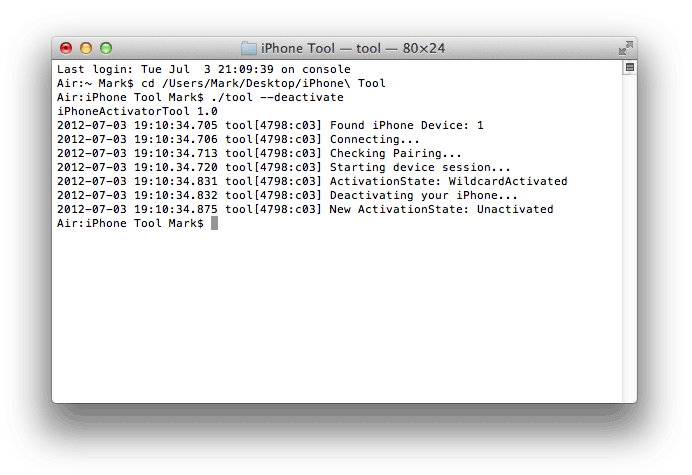
With your iPhone connected to your Mac, launch the Terminal. It's found in Applications > Utilities. Type CD in the Terminal window then drag the folder you decompressed into the window. It will add the path to the folder in your Terminal. Press Enter then type ./tool --deactivate Press Enter and the program will do its thing. You'll receive a prompt when it has finished.
Step 3.
You'll receive a pop up about activation.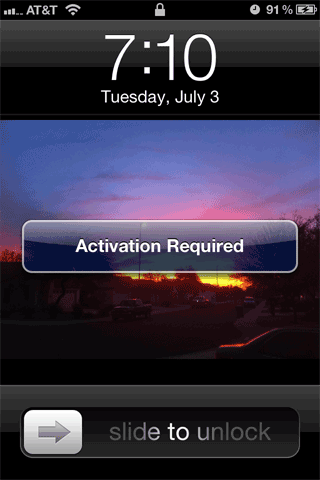
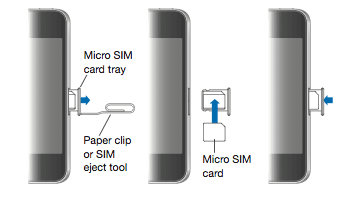
Switch out your SIM card.
With your iPhone still connected to your Mac, launch iTunes. You'll receive the unlock message!

Click the Continue button and either register your iPhone (again?) or don't. Activation is complete and your iPhone should now display the new carrier name, and the pop up message will soon disappear.

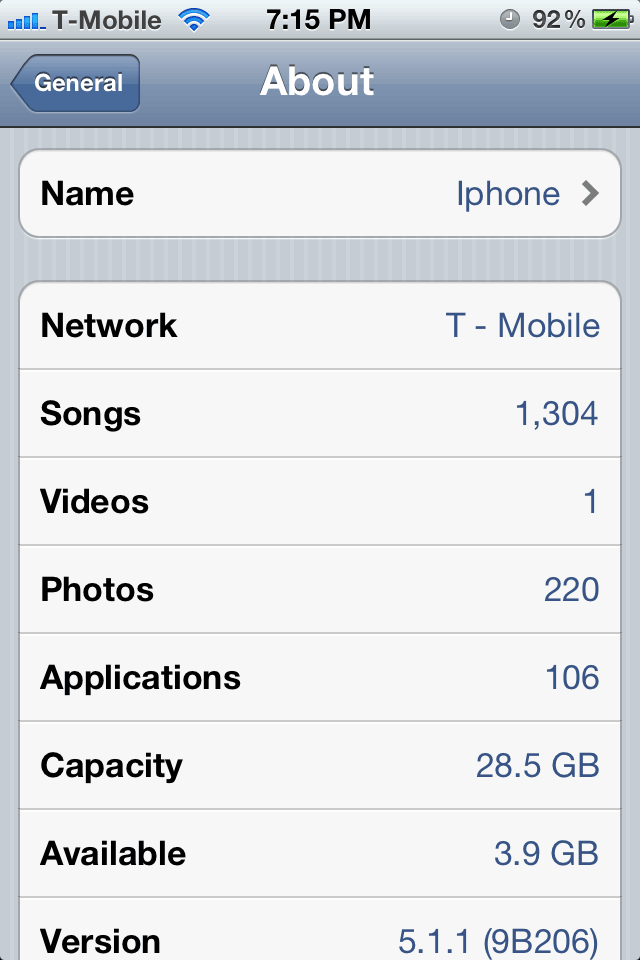
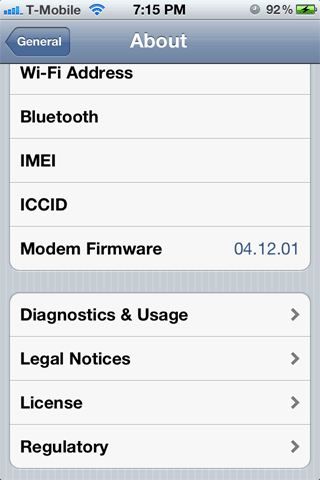
Here I am on 5.1.1 and on 4.12.01 and on T-Mobile.