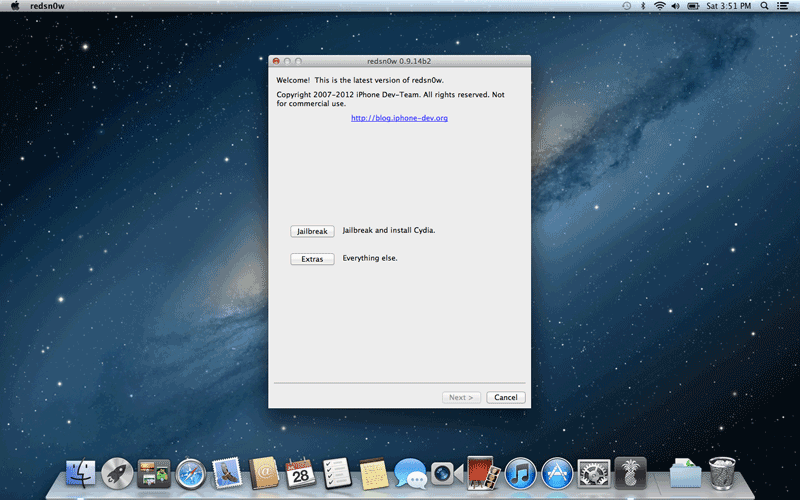
Using redsn0w on OS X Mountain Lion
Posted: February 6, 2013With the recent release of OS X Mountain Lion comes a new feature called Gatekeeper. What this program does is make sure only authorized App Store purchases or those from an Apple-approved "identified developer" are allowed to be run on the computer. If you attempt to run evasi0n, redsn0w (or other similar jailbreak programs) you'll be greeted with this message.

Fortunately, at least for now, Gatekeeper can be turned off. Launch System Preferences. Click on Security & Privacy.

By default it should open to the General tab. Click on the lock icon in the lower left corner and enter your system password.
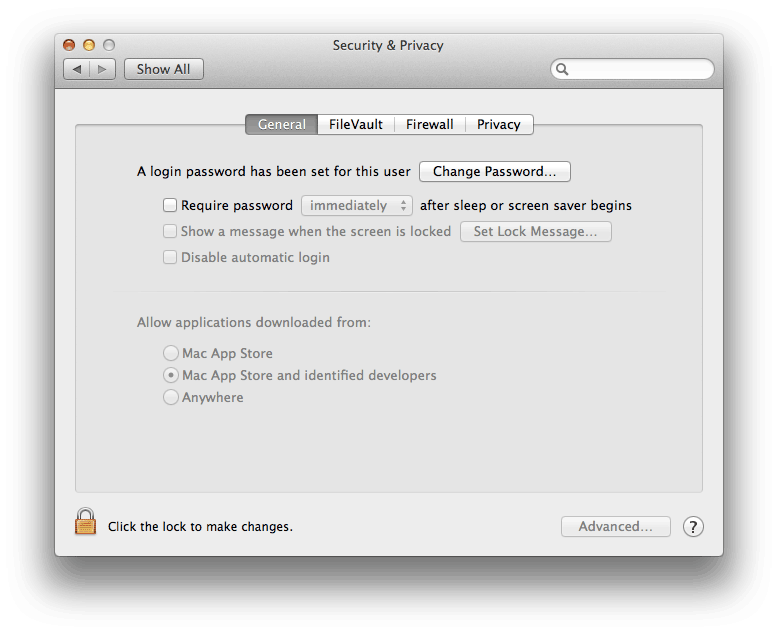
In the section where it says Allow applications downloaded from, check the Anywhere button, then click the Allow From Anywhere button on the pop up screen.

Now when you launch redsn0w (or any other "unapproved of" program), it will open.