Introduction to Springtomize
Posted: February 17, 2013Springtomize is a good program for customzing your iPhone. It contains a plethora of tweaks and many ways to visually customize your iPhone. There is no way that I could cover everything. Nor do I understand everything, even with the included documentation. I'm going to cover each category broadly (mainly to show you all your options) and also cover a handful of items that I like to whet your appetite.
This program is for sale on Cydia and it costs $2.99. I receive nothing from the program's developer. I just want to make you aware of an important program to help you theme your iPhone. This program can be used in conjunction with WinterBoard themes. However there may be conflicts.
Overview
You can either launch the application direct from the springboard or from within Settings. Here's the main menu.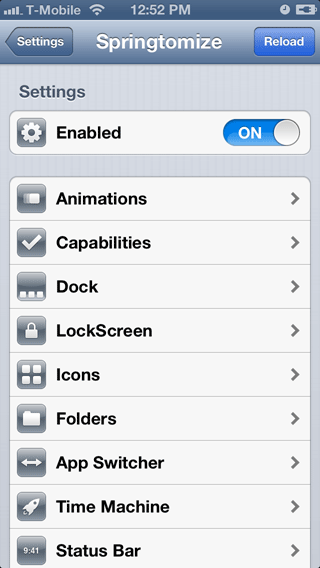

Animations
The one tweak I liked was the lock screen animation using the old tube TV shut down effect. Make sure to enable the sound as well. I honestly didn't like or couldn't figure out what the other tweaks in this section did.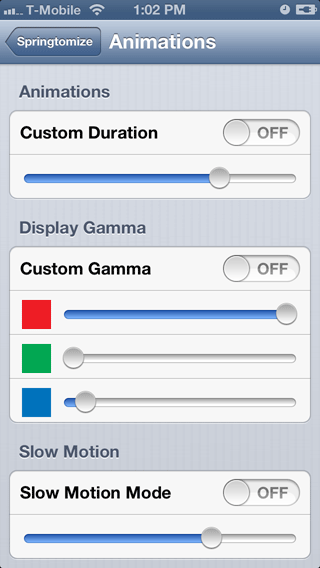

Capabilities
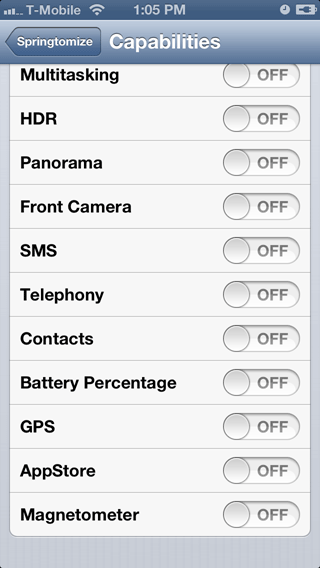
In this section you can toggle various functions of the iPhone. I didn't have a need for any of these. I don't know why you'd want to remove this kind of functionality from the iPhone. It's not like you can password protect Springtomize. So anyone could undo what you have done.
Dock
Here are where the theme tweaks begin in this program. You can make the entire dock and everything in it disappear if you wanted. Or use this fine coverflow look. You can adjust and distort the shape to your taste. Keep in mind this doesn't function like it does on iTunes. The icons are static. If you put more than five of them in the dock they'll start overlapping each other and it just doesn't make sense at that point.

LockScreen
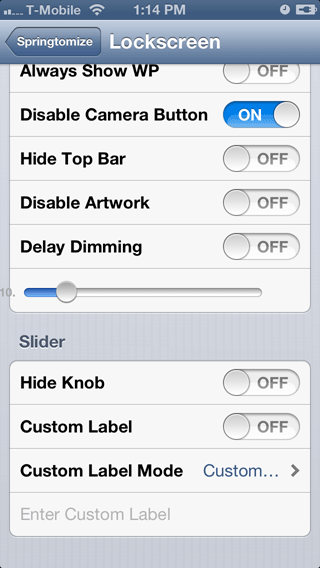
There are some useful tweaks in this section like enabling the Notification Center from the lock screen instead of the home screen! I've always thought that Apple dropped the ball on this one. Jailbreaking to the rescue. I also like disabling the camera button from the lock screen in case someone gets a hold of your phone they can take all kinds of pictures without your knowledge. Not to mention that I think it uglies up the graphical look of the lock screen. However if you receive a call, the handset icon graphic will appear where the camera was. You can also replace the "slide to unlock" text with whatever you want or make the arrow button disappear.
Icons
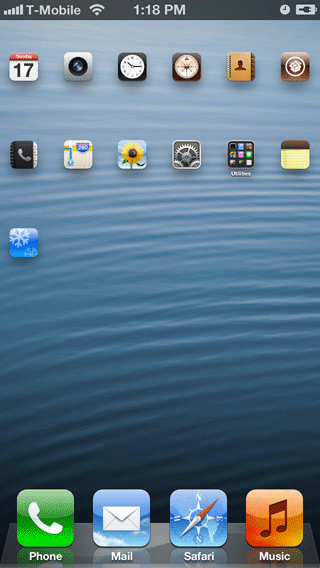
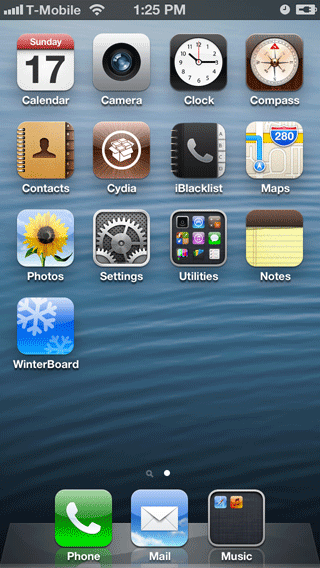
Lots of great tweaks in this section! You can change the size of your icons and have up to ten in a single row! The most useful item to me is hiding that stupid Newsstand icon which I don't use. You can also choose which other icons you'd like to hide.


Folders
Here you can turn off the opening and closing animation, make the folder invisible on the home screen (you'll only see miniature icons floating), my favorite is auto close. When you've opened an application that was in a folder and you close that application, the folder is already closed. You can even create a folder in the dock which you normally can't do.
App Switcher
The best feature is the landscape mode app switcher and iPod controls. You can also disable paging so that you can display part of two pages at once. You can also have inactive applications be hidden in the switcher or be dimmed.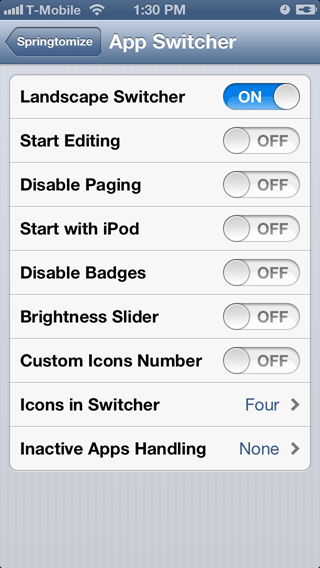

Time Machine
Allows you to back up your custom Springtomize settings and then restore them. Whether this backup survives an iTunes restore I don't know.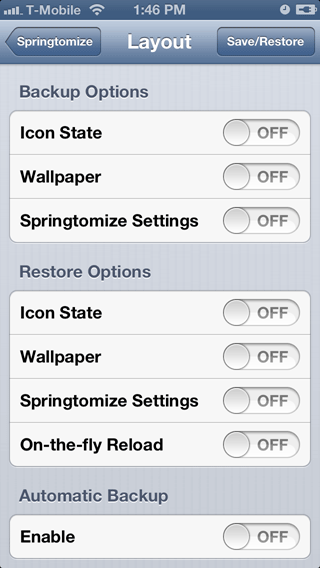
Status Bar
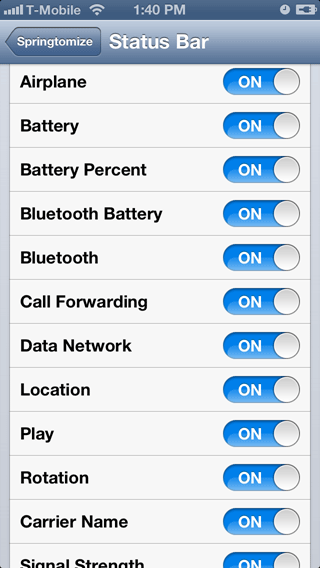
Create your own custom carrier name or just turn every single thing off. Lots of great options here for that clean look.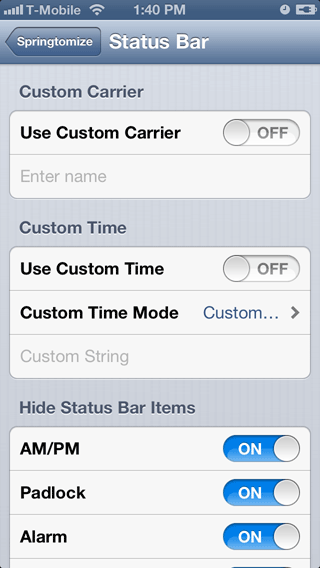

Pages
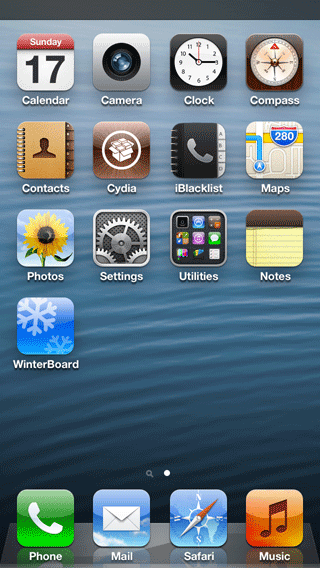
My favorite feature is turning off the page dots. Everything I have fits on one page anyway so who needs dots? Another thing I like is disabling Spotlight. Not only does it get rid of the icon next to the dots, it disables scrolling to the left to the search page.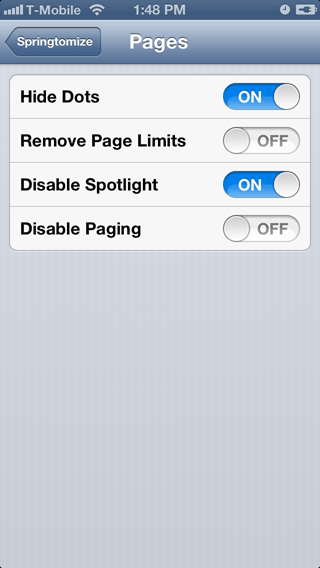

Theming
You can turn your icon fonts off, change the font, the size or the color. Very nice. There are also several filters you can apply to all icons and your wallpaper like grayscale, sepia, negative, faded colors, psycho, red ascendant, green ascendant and high contrast. You can even change the color of the standard lock screen clock.


Notification Center
You can disable it from the home screen. You can change the background and even have up to thirty lines of text to read.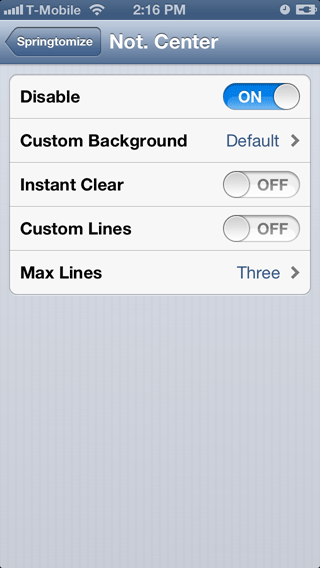
More
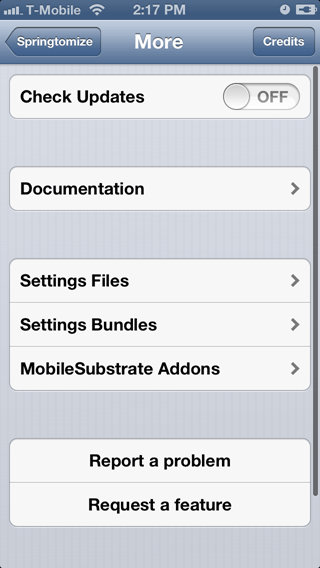
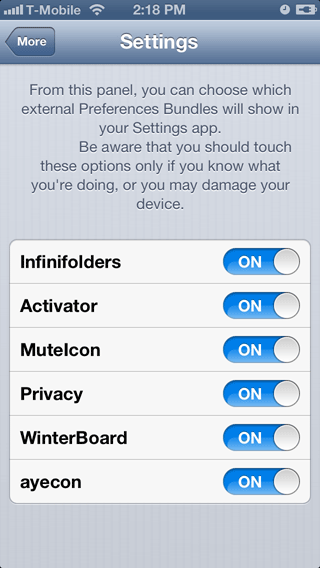
Here you'll find limited documentation for the various features in this program. The Settings Files feature is helpful for troubleshooting. The Setings Bundles allows you to control which applications will appear in your Settings program. You can also control any MobileSubstarte Addons.