Jailbreaking and over the air (OTA) software updates
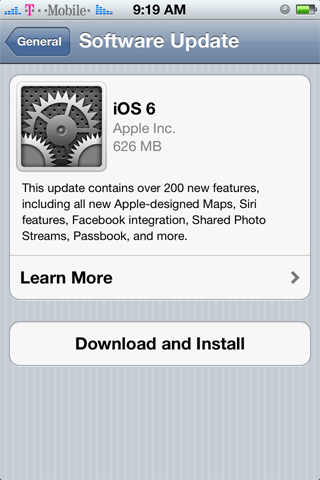
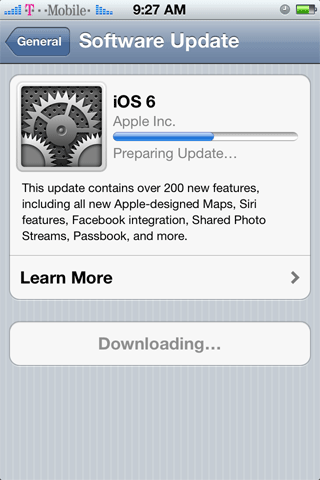
If you are jailbroken, you will not be able to perform a software (firmware) update over the air (OTA) with 6.x firmware. Apple specifically checks the /Applications folder on the iPhone before the installation begins and if there is evidence of a jailbreak, the installation will fail.Here's what happens. Launch Settings, press General, press Software Update and the iPhone will check for newer firmware to install. Pressing the Download and Install button will begin the process.
A failure message will appear.

