Jailbreaking / unlocking the 3G iPhone on 4.0.1 firmware using redsn0w
Page 2 of 2After a few seconds various messages will appear on the screen. At this point you can let go of the Home button.
Note: If your redsn0w screen hangs at the message Waiting for reboot, then simply unplug the USB cable, then plug it back in.

You will see this graphic on your iPhone.
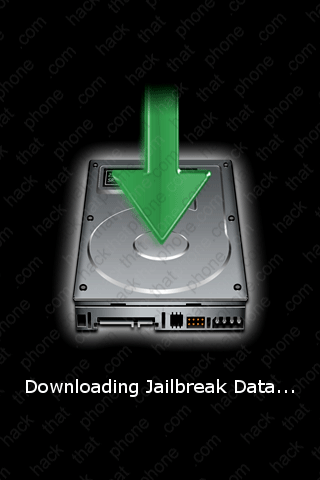
After a bit the iPhone will reboot (and if you chose a custom boot logo it will appear at this point). Done! will appear in the program. You can click the Finish button to close the program.

You will see a few different messages (Installing base utilities, Replacing kernel, Flashing NOR, Installing bundles, Activating, Syncing file systems, Rebooting) on your iPhone during the next couple minutes.


Cydia (if you selected it) has been placed on the SpringBoard.


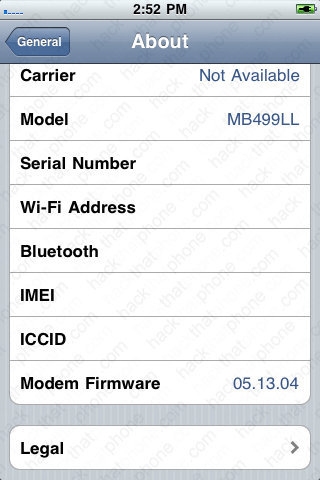
If you launch Settings, and press, General, About, you can confirm your firmware versions here. I am on 4.0.1 firmware, and my modem (baseband) is still 5.13.04.
Note: I always erase my Serial Number, Wi-Fi Address, Bluetooth, IMEI and ICCID from my screen shots for privacy reasons.

Launch Settings, press General, press Network, and turn off 3G.


Switch out your SIM card (unless you already did).

Step 4.
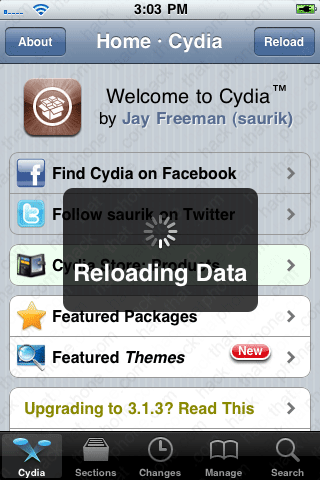
Let's unlock the iPhone now. Launch Cydia (you'll be prompted to enter your Wi-Fi password if you haven't done so already). It will automatically go into reorganizing mode for about two minutes and then it will respring the iPhone. Launch Cydia again and make your selection at this screen.

You will then see the message reloading data. This could take a couple minutes. It's a constant issue with Cydia. Once that has finished you may see a red badge and a number on the changes button. This means there are updates that you should install.

Here are the changes. Press the Upgrade button in the top right corner. Then press the Cancel/Queue button.
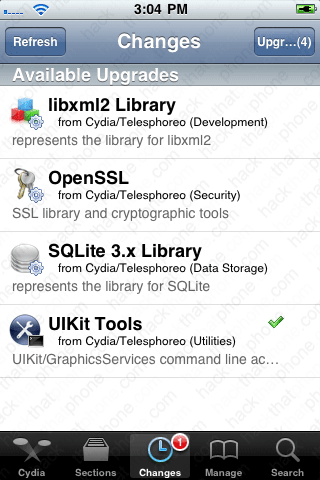

Press the Continue Queuing button. Press the Search button and enter ultrasn0w into the search field. Press ultrasn0w when it appears in the list.


Press the Install button, then press the Confirm button.
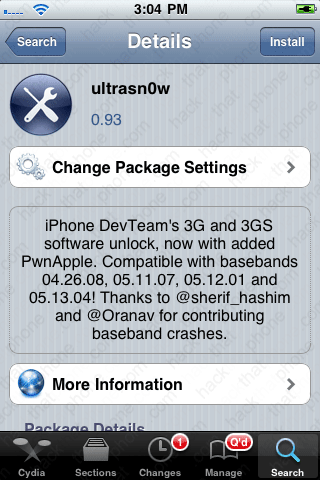
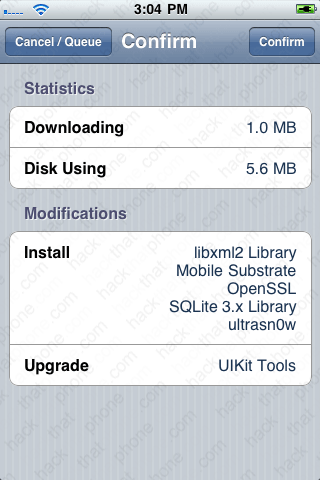
When it is finished, press the Reboot Device button. Your new carrier should appear right away. If you don't already have carrier bars, double check that your 3G slider is still off. I've had to shut this switch off more than once before.


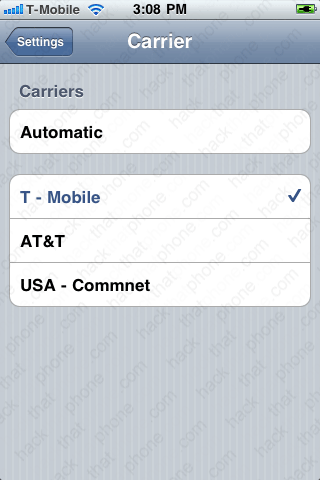
You may want to launch Settings and check your Carrier menu. I hear it is better to select the carrier name you want to use versus leaving it in Automatic.

Do not restore from a backup when you get to this screen! It causes problems.

iTunes will confirm you are on 4.0.1 firmware.

