Saving voicemail messages to your Mac
Unless you signed a contract with AT&T (or your locally Apple-approved authorized service provider) for your iPhone, this hack won't work. Due to the nature of visual voicemail, the messages are pushed to the phone and stored there.
Attention
I will be using YummyFTP to upload the files in this tutorial. These instructions can be applied to any files you want to add to your iPhone, provided you already have SSH installed. If you have not installed OpenSSH, or used YummyFTP before, then you must read this tutorial first.Step 1.
Navigate to the /private/var/mobile/Library/Voicemail folder. You'll see .amr files here, those are your voicemail messages. You can either just drag a file off to your dekstop, or transfer it within the program.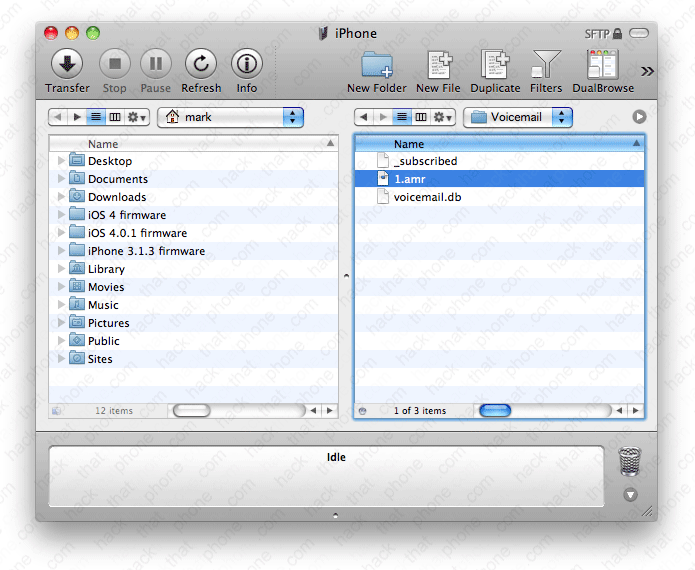
Step 2.
You'll now have a QuickTime file on your desktop.
Click play, and there you have it.

